 Made in Germany
How much should you actually budget for headshots in 2026? Is it $50 per person, $500, or something in between once you add travel, retouching, and admin time? The truth is, it depends—on your team size, how you schedule, and whether you go traditional or AI. If you’re planning a refresh this year and want a clear, practical framework, you’re in the right place. This guide breaks down corporate headshots cost with real numbers, realistic scenarios, and the hidden line items most teams forget to include.
We’ll compare studio, on-site, virtual, and AI-generated portraits, spotlight typical per-employee benchmarks, and call out when each approach shines. You’ll also get guidance on retouching budgets, licensing, and the change-management details your brand team will care about. In short: if you need a dependable budget for Q1 or your next all-hands, let’s make the math painless.
Corporate headshots cost in 2026: quick answer and pricing framework
Here’s the fast take: in 2026, most companies will land between $35–$450 per person depending on method and scale. A single office shoot with a photographer averages $120–$350 per employee; a studio visit often runs $150–$400 per person; virtual photographer sessions hover around $50–$150; and modern AI generators can land between $20–$60 per employee at volume. Your exact costs for corporate headshots comes from three buckets: production (photographer, studio, or platform), post (retouching, file delivery, color management), and coordination (admin time, scheduling, approvals). More info: What are corporate headshots and why they matter.
Think of it as a triangle: quality, speed, and scale. Most teams can pick two. Traditional methods deliver high control and consistent lighting. AI brings speed and flexibility, especially for distributed teams. The real trick is modeling not just the per-person fee but the time your HR, brand, and IT folks spend shepherding the whole process. One hour saved per employee compounds fast. Ask yourself: what would your team do with 80 hours back this quarter?
What changed from 2024 to 2026 for corporate headshots cost?
Three things moved the needle: logistics, labor, and AI. First, travel and on-site setup fees ticked up in many cities, and reschedule policies tightened as hybrid schedules stayed unpredictable. Second, retouching rates didn’t spike but did creep up for complex edits, while batch-processing discounts became more common. Third, AI quality improved markedly—hairlines, ear edges, and eyewear rendering issues are less frequent—so you’ll see fewer manual cleanups.
Across the industry, average day rates rose modestly (about 2–7% depending on market), especially in tier-1 cities. Meanwhile, AI platforms expanded enterprise features like SSO, brand profiles, and admin dashboards, shifting part of the cost from per-image to per-seat or per-credit plans. The upshot: traditional options are a touch pricier to run; AI is more capable and enterprise-friendly. If you pressed pause last year because AI looked “almost there,” it’s worth another look now.
AI headshot generator pricing for companies: subscription vs credits vs seats
Corporate AI tools generally follow three models. Subscriptions (monthly/annual) charge for ongoing access and brand features; credits let you buy a set volume of generations or edits; seat-based plans price by admin or contributor accounts for teams doing frequent updates. For budgeting, credits are the clearest per employee (for example, 40–80 renders for $20–$40), subscriptions make sense if you refresh often or need brand-control tools, and seat pricing fits companies with coordinators managing recurring onboarding waves. Some tools, like Headyshots AI Corporate Headshots, mix credits with admin features to cover both initial rollout and later replacements.
The practical approach: forecast headcount growth and replacement rates for the year, then run a scenario model. Picture this: 200 new hires, 50 promotions/rebrands, and 10 reshoots. A subscription that includes retouching and brand templates may be cheaper than buying credits ad hoc. If you don’t need the extra features, credits with a defined SLA often win. One HR director told us, “We tried credits first to prove the value, then moved to a subscription once we saw how often we needed replacements.”
Corporate headshots cost comparison traditional vs AI 2026
If you’re comparing options at a glance, total cost of ownership (TCO) is the metric to track—not just the invoice, but also calendar time and coordination overhead. That matters when shoots span multiple offices and time zones. In some cases, AI’s speed offsets lower per-image control; in others, a well-run on-site day delivers unbeatable consistency.
Total cost of ownership: setup, production, and post
The table below outlines a common TCO snapshot for a 100-person refresh in a major city. Figures are illustrative benchmarks from 2026 enterprise projects; your market and vendor mix will vary.
| Category | On-site Photographer | Studio Sessions | Virtual Photographer | AI Generator |
|---|---|---|---|---|
| Setup/Admin (scheduling, comms) | $1,200–$2,000 | $1,000–$1,800 | $800–$1,400 | $500–$1,200 |
| Production (day fees or sessions) | $2,000–$5,000 | $15,000–$30,000 | $6,000–$12,000 | $2,000–$5,000 |
| Retouching/Edits | $1,000–$3,000 | $1,500–$4,000 | $1,200–$2,500 | $500–$1,500 |
| Revisions/Reshoots | $400–$1,200 | $1,000–$2,000 | $600–$1,500 | $200–$800 |
| Estimated Total (100 people) | $4,600–$11,200 | $18,500–$37,800 | $8,600–$17,400 | $3,200–$8,500 |
A quick case study: a 280-person fintech with hybrid teams ran an AI-first rollout with optional studio upgrades for executives. They wrapped in 10 days, kept per-employee spend under $48 (blended), and cut coordination time by roughly 160 hours compared with their previous on-site tour. Time is a budget line item—and morale booster—when you’re not chasing reschedules.
Quality, brand consistency, and change-management impacts
TCO is only half the story. High-stakes roles (C-suite, sales, PR spokespeople) often warrant traditional sessions for micro-control over lighting, expression, and wardrobe. AI’s strength is speed, scale, and repeatability for distributed onboarding. Brand teams care about consistent backgrounds, crop ratios, and color science; both studio and AI can enforce brand templates, while on-site consistency depends on the photographer’s setup and the venue.
Change-management matters too. Employees may resist AI portraits unless expectations are set early with transparent guidelines. A short pilot with 15–30 employees builds trust and surfaces edge cases (branded apparel, glasses reflections, natural hairstyles). For traditional routes, a solid run-of-show, approval workflow, and clear reschedule rules keep morale and throughput high. The most consistent brand standard is the one your team can actually maintain. Ask yourself: what will be easiest for new hires to follow in their first week?
What companies actually pay: pricing per employee and team bulk rates
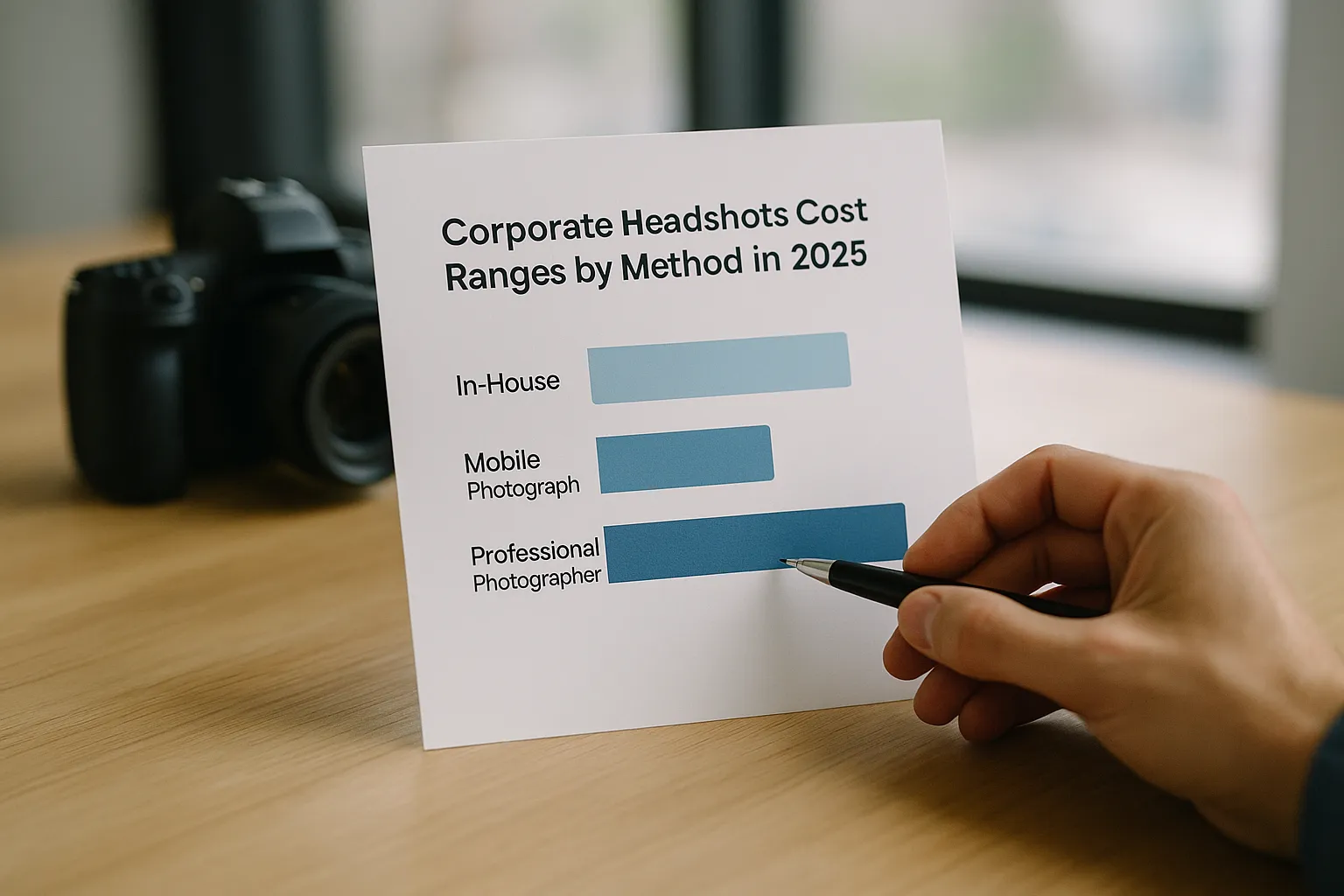
Let’s turn strategy into everyday numbers. In 2026, business headshot pricing per employee depends on your local market, team size, and how many finals you deliver. In major metros, on-site photographers often quote a flat day rate plus a per-person or per-image fee; studios quote per-session; virtual shoots charge per seat or per appointment; AI platforms sell credits or bundles. Volume discounts usually kick in around 25, 50, 100, 250, and 500 heads.
Business headshot pricing per employee (benchmarks)
- AI generators for companies: $20–$60 per employee at volume; pilots can land $30–80.
- Virtual photographer sessions: $50–$150 per person, often including a light retouch.
- On-site photographer (100+ people in a day): $80–$200 per person blended, assuming a $2,000–$4,000 day rate plus post.
- Studio visits: $150–$400 per person, depending on time slot length and retouching.
- Executive portraits: $300–$1,200 per seat for extended time, wardrobe, and advanced retouching.
These ranges compress as volume climbs. A 40-person office day might average $150 per person; a 300-person event series across three cities might dip to $110–$140 each. AI’s floor remains the lowest, especially when renewals and replacements are frequent. If you’re onboarding quarterly, those replacement costs add up—this is where AI and virtual often shine.
Team headshots cost bulk rates (tiers and scenarios)
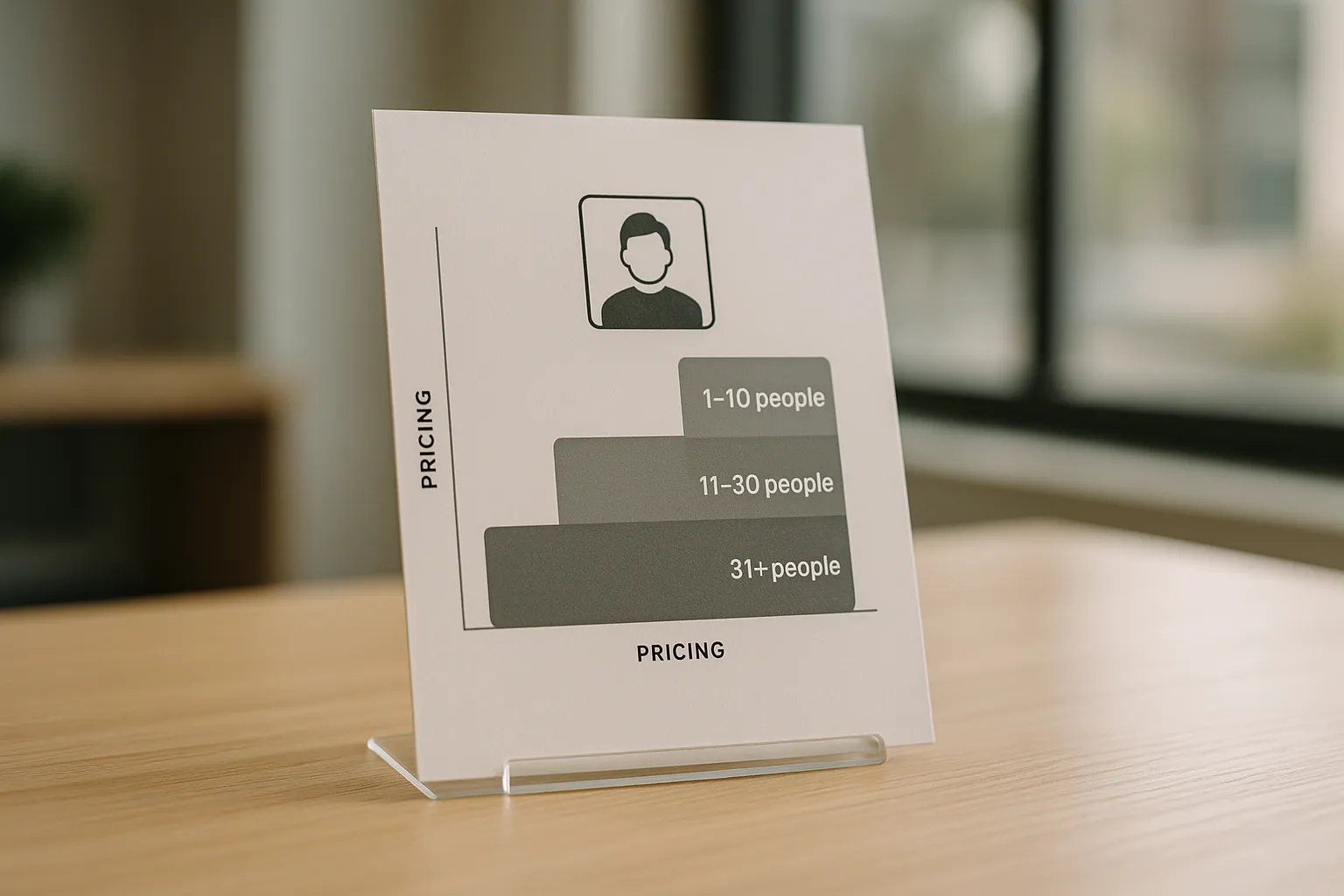
Bulk rates typically follow tiers: 1–24, 25–49, 50–99, 100–249, 250+. Each tier improves either the per-person price or what’s included (extra edits, alternate crops, faster SLAs). A software firm onboarding 20–30 hires monthly might set a standing AI subscription or quarterly photographer day. A national retailer photographing 1,000+ staff could negotiate custom templates and two free revision rounds. Providers like Snappr streamline on-site booking and scaling across markets, while AI providers such as Headyshot make it easy to add new hires asynchronously.
One practical note: buffer 10–15% for missed shoots and redo requests. Holidays, travel, and sick days are undefeated. The smoothest programs plan for reality, not just the calendar. One people ops lead told us, “We budget for 10% no-shows and never regret it.”
On-site photographer vs studio vs virtual sessions: cost drivers and real-world scenarios
Different formats fit different teams. If you’re running a single HQ refresh, on-site can be unbeatable for efficiency. If you have executives who want premium polish, a studio session earns its keep. For distributed teams, virtual sessions or AI keep things moving without travel coordination. And yes, many companies run a hybrid: AI for most people, studio for leadership, with a shared brand background across both.
On-site corporate headshot photographer rates
Expect $1,200–$3,500 for a full day (region and reputation matter), plus equipment transport, parking, and potentially a backdrop setup fee. Half-day rates are common for 25–45 people; full days can cover 80–160 depending on flow and how many finals each person chooses. Retouching bundles are usually negotiated up front: for example, one retouched image per person included, with additional edits at $15–$40 each. Travel outside metro areas adds mileage and time.
In practice, an on-site day needs a reliable sign-up system, clear arrival instructions, and a fallback location if the conference room gets booked. A small “grooming corner” with lint rollers, blotting papers, and a mirror increases keeper rates. Think of the day as part production, part hospitality: a friendly greeter and a simple queue can double your throughput.
Studio vs virtual headshots cost comparison
Here’s a quick benchmark view across formats in 2026.
| Metric | Studio | On-site | Virtual Photographer | AI Generator |
|---|---|---|---|---|
| Typical cost per person | $150–$400 | $80–$200 (at scale) | $50–$150 | $20–$60 |
| Time per person | 15–45 min | 5–20 min | 10–25 min | 5–10 min (upload + select) |
| Consistency | Very high | High if controlled | Medium–High | High with brand profile |
| Retouching | 1–2 images incl. | Often 1 included | 1 included typical | Light AI or manual add-on |
| Best for | Exec polish | Large office days | Remote teams | Fast scale, replacements |
The bottom line: choose the method your team can repeat without friction. If your HR calendar is packed, AI and virtual reduce scheduling chaos. If leadership wants uniform lighting and fine-tuned direction on expression, studio or on-site with a specialist is worth the premium. What will make your workflows calmer three months from now?
FAQ for corporate headshots cost
Questions pop up the moment you start scoping. Here are the two that dominate budgeting and legal reviews.
How much does retouching typically add per image?
For traditional workflows, basic cleanup (skin smoothing, flyaways, small blemishes, lint) averages $10–$25 per image at volume; premium retouching (eyeglass glare removal, complex hair, background compositing) can reach $35–$60. Many photographers include one retouched image per person and charge for extras. AI platforms often bundle light retouch at no extra fee or offer add-on credits for advanced edits. Turnaround matters: rush fees (24–48 hours) can add 15–40%.
Pro tip: define what’s included in writing. If your brand bans over-smoothing, say so. If you need multiple crops (LinkedIn, intranet, PR), bundle them up front; it’s cheaper than requesting later. A shared visual standard—exposure, crop, color temperature—saves retouch hours across the board.
Do we need model releases or usage licenses for employee headshots?
You’ll want two things clear: (1) permission from the subject, and (2) usage rights from the creator. A model release clarifies consent and usage scope; a license grants the company rights to use the photo (internal org charts, LinkedIn, press kits, website bios, recruiting). It’s rare and usually unnecessary to transfer full copyright; a broad, perpetual license is typically sufficient. The ASMP offers guidance on licensing norms, while SHRM provides HR perspectives on employee image use policies.
If your company operates in the EU or processes EU resident data, loop in legal to confirm GDPR implications for biometric and image data. For social profiles, review LinkedIn guidelines to ensure cropping and formats comply. For AI, check the provider’s terms around training, storage duration, and deletion SLAs. Many enterprise tools now offer SSO and data retention controls that satisfy InfoSec reviews.

Conclusion and next steps: calculate your total and compare solutions
Here’s a simple way to lock your 2026 budget without guesswork. First, choose the primary modality that matches your team realities: a single on-site day for an HQ refresh, a studio track for leadership, virtual or AI for distributed onboarding. Second, model the full year. Include new hires, replacements, rebrands, and executive promotions. Third, assign soft costs a dollar value—how many hours will coordinators spend scheduling, chasing approvals, and collecting files? When you quantify time, decisions get clearer.
Fourth, run a pilot. A 15–30 person test reveals the true per-employee cost, the approval cadence, and any edge cases (branded apparel, name badges, glasses). Fifth, standardize. Create a one-page spec for background, framing, crops, file names, and delivery locations. Consistency is a system, not a vibe.
If you want a fast way to compare approaches for your headcount, use this calculator and planning guide: Headyshot corporate headshots. Plug in team size, locations, and refresh frequency; you’ll get an apples-to-apples view of your spend and timeline. The right choice isn’t just the lowest invoice—it’s the workflow your people will actually follow, month after month. Deliver a great portrait once and it’s a win. Make it effortless to repeat and it’s a strategy.
👉 Professional AI corporate headshots for your team
Create corporate headshots for your entire team in studio quality. Consistent, affordable and ready in just a few minutes.
100 percent online, GDPR compliant, perfect for websites, LinkedIn and internal profiles