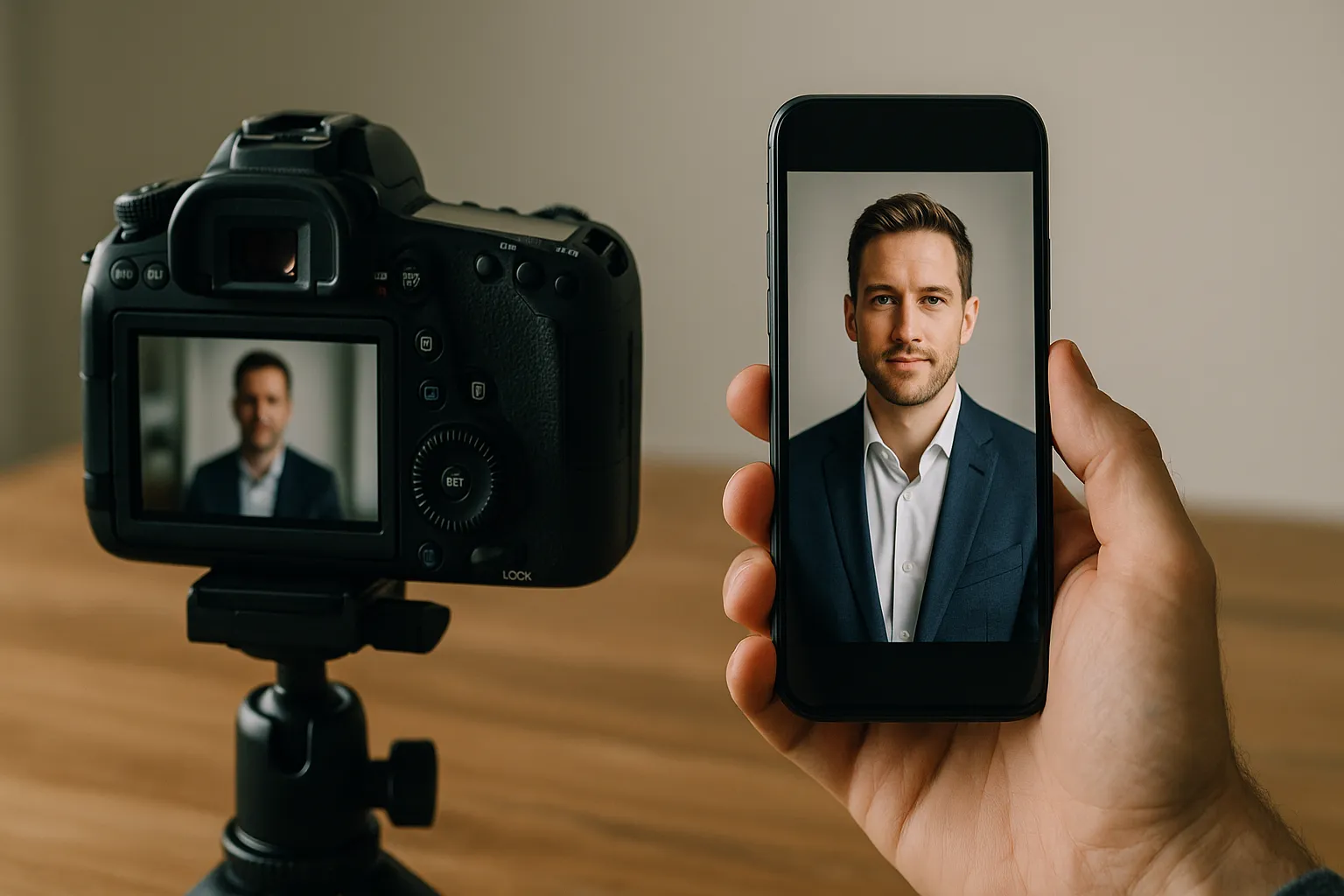
 Made in Germany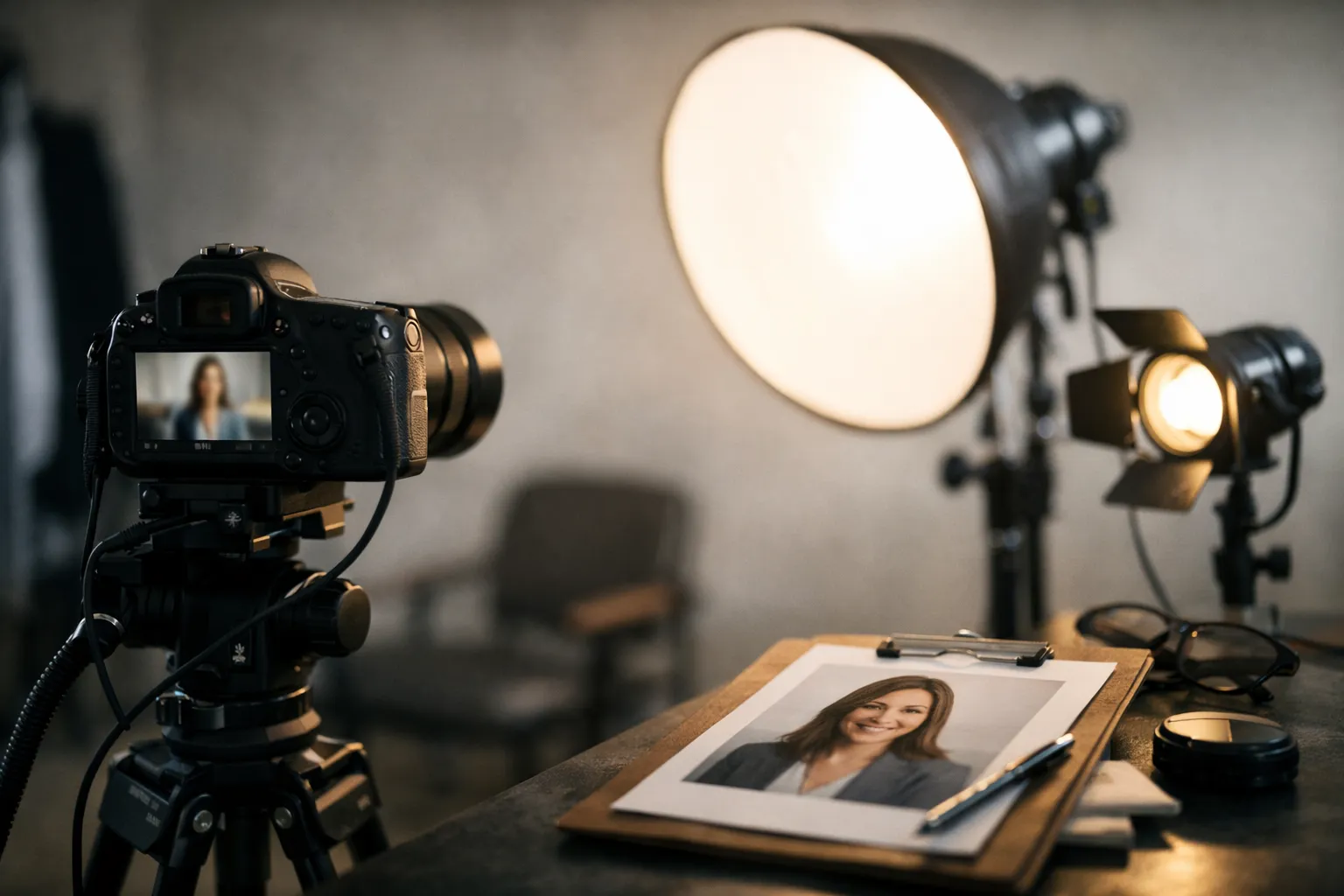
Why do some LinkedIn photos instantly feel trustworthy while others look cropped, stiff, or oddly casual? If you are wondering how to get professional headshots, the answer is usually less about fancy gear and more about the choices you make before the camera even turns on. A strong headshot shows people who you are, what kind of work you do, and whether you take your professional image seriously. That is true whether you are job hunting, updating a company bio, building a consulting brand, or refreshing a resume.
The good news is that you have options. You can book a photographer, use an AI tool, or even create a solid image yourself if you understand lighting, posture, and preparation. The biggest mistake is rushing. A headshot is often your first introduction, and first impressions happen fast. Small details matter. Shirt color, expression, background, and crop can either support your credibility or quietly work against it.
This guide walks you through what recruiters expect, how to compare AI and photographers, what to wear, how to pose, and what to do if you need a polished photo within days. Small frame, big job.
How to Get Professional Headshots That Work for LinkedIn and Resumes
A strong profile photo should feel clear, current, and believable. It does not need to look glamorous, but it should look intentional. For LinkedIn and resumes, simplicity usually wins.
What recruiters expect from professional headshots for LinkedIn and resumes
Recruiters are not judging your bone structure. They are scanning for professionalism, trust, and fit. That means a clean background, good lighting, eye contact, and a natural expression matter far more than dramatic editing. Your face should fill a good portion of the frame, usually from the chest or shoulders up, and the image should still look sharp when cropped small.
There is also a practical side to this. A LinkedIn photo appears in feeds, messages, and search results at a tiny size, so visual clutter works against you. A resume image, if you use one at all, should feel even more restrained. LinkedIn encourages profile photos that look like you now, and the Yale Office of Career Strategy makes a similar point: keep it polished, current, and appropriate for your field.
A quick example shows why this matters. Elena, a product marketer, replaced a dim vacation crop with a clean portrait against a plain wall. Within three weeks, she went from zero recruiter messages to four. Same experience, same profile text, better first impression.
Choose one clear goal before you book a photographer or use AI
Before you do anything else, decide what this photo needs to do. Are you aiming for a conservative finance role, a friendly client facing sales role, or a creative portfolio profile? A business headshot guide always starts here because the right image for one goal can feel off for another.
If your main use is LinkedIn, aim for approachable confidence. If it is for a law firm bio, lean more formal. If you are freelancing or building a personal brand, you may want a little more personality in the background or wardrobe. One clear goal makes every other decision easier, from clothing to smile to crop style.
Clarity beats variety. When people skip this step, they often end up with a photo that is technically fine but strategically vague.
AI Headshots vs Photographer: Which Option Is Best for You?
When people ask how to get professional headshots fast, they are usually deciding between convenience and customization. Both routes can work. The better choice depends on your timeline, budget, and how much control you want over the final image.
Here is the simple side by side view first.
| Factor | AI headshots | Photographer |
|---|---|---|
| Typical cost | Lower | Higher |
| Turnaround | Often same day to 48 hours | Several days to two weeks |
| Realism | Good if inputs are strong | Usually strongest and most consistent |
| Direction during shoot | None during capture | Real time coaching |
| Flexibility for multiple looks | High | Medium, depends on session |
| Best for | Tight budgets, quick updates, testing styles | Executives, teams, public facing roles, custom branding |
When a photographer is worth the cost
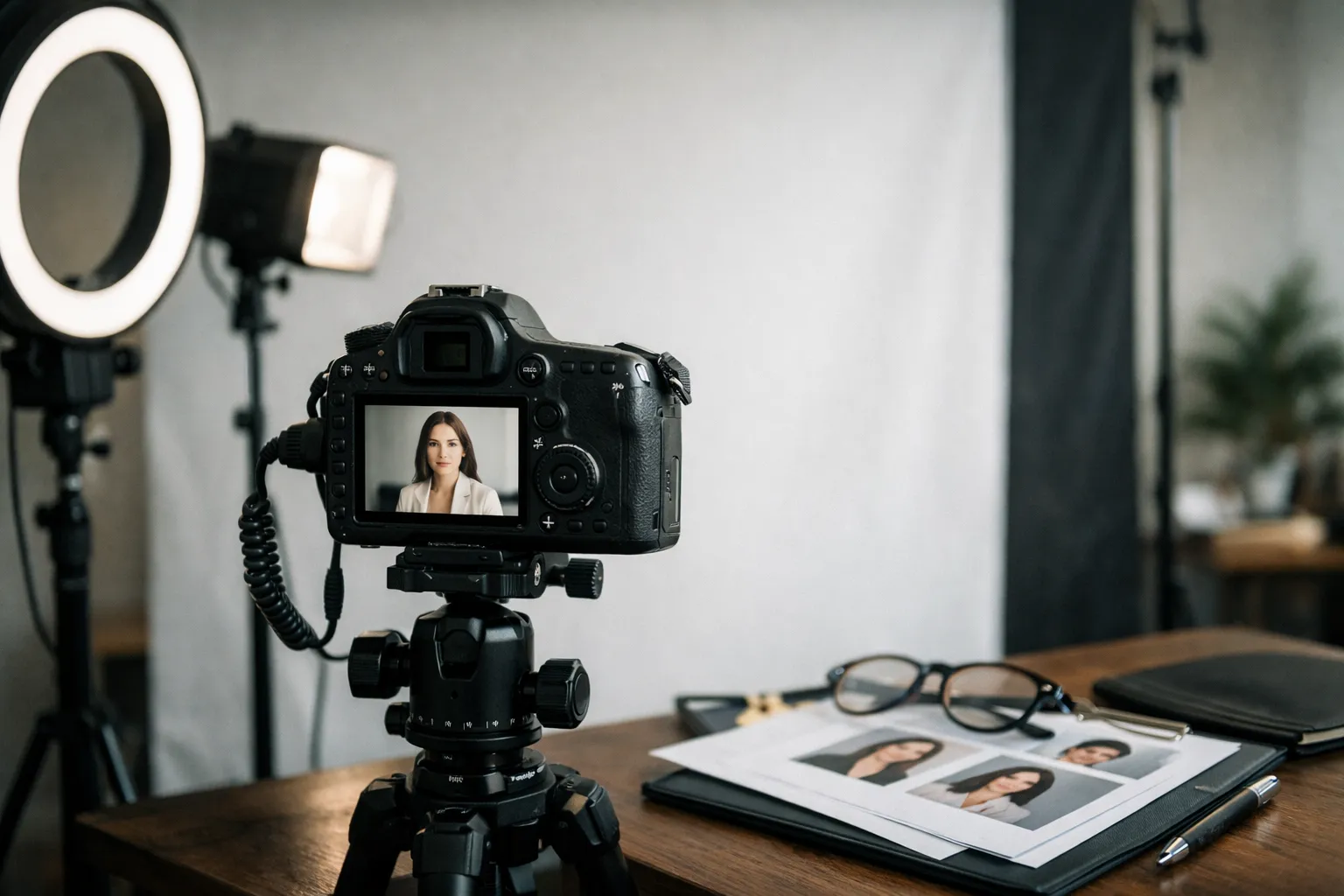
A photographer earns the fee when the stakes are higher or nuance matters. That includes leadership pages, speaking bios, company team pages, media kits, and any situation where body language and brand feel need to be precise. A skilled photographer can adjust posture, lens choice, lighting, and expression in real time. That is hard to replicate.
This matters even more if you freeze up in front of a camera. Good photographers are part coach, part editor, part therapist. They notice things you will miss, like a tense jaw, a twisted collar, or a smile that looks polite instead of warm. If you need corporate headshot advice for a whole team, a live session also keeps lighting, framing, and quality consistent across everyone.
When AI headshots are the smarter choice
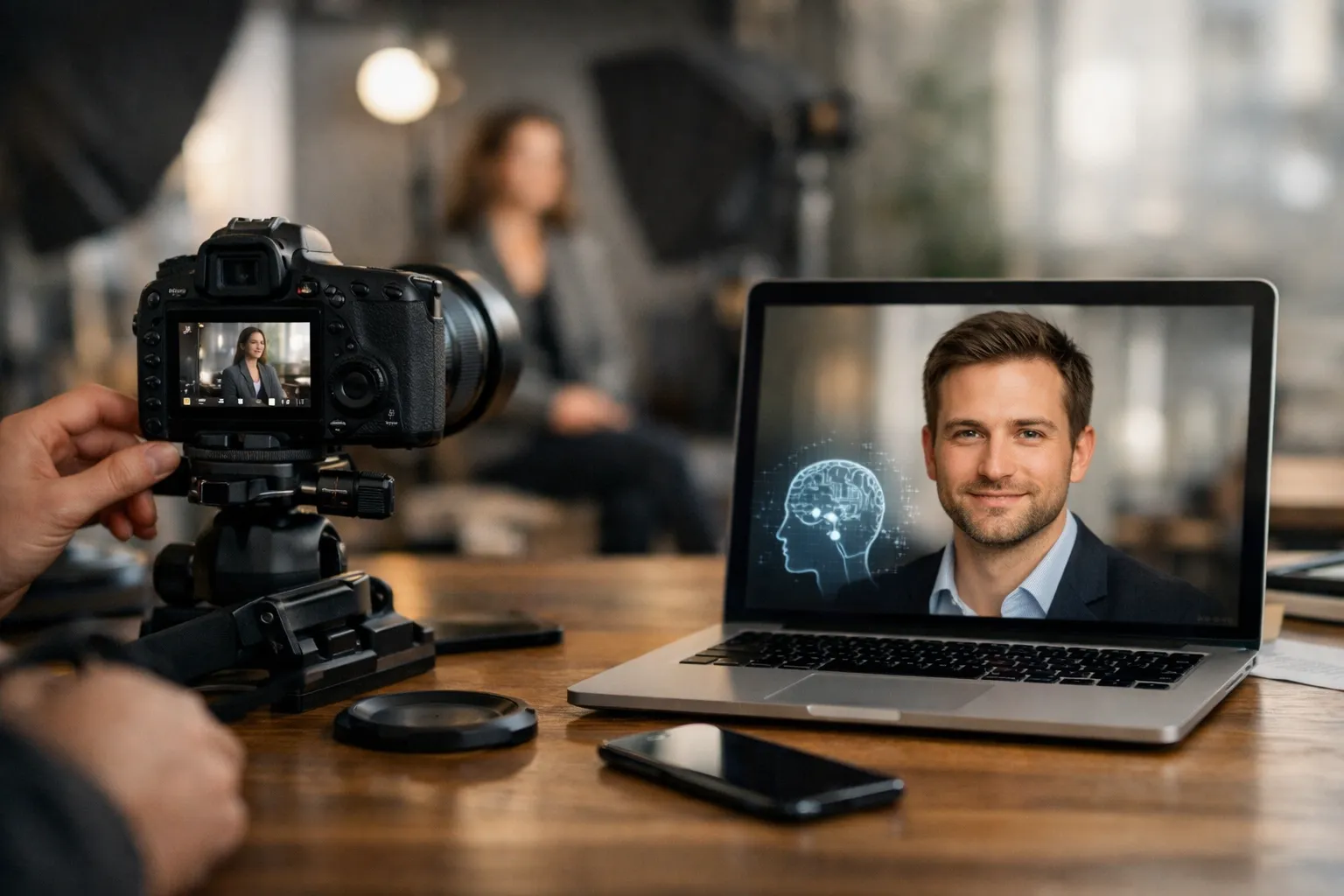
AI can be a strong option when you need speed, affordability, or several looks without booking a studio. If you already have decent source photos and want a polished LinkedIn image this week, AI is often enough. Tools like Headyshot make it easy to test different wardrobe styles and backgrounds without a full session.
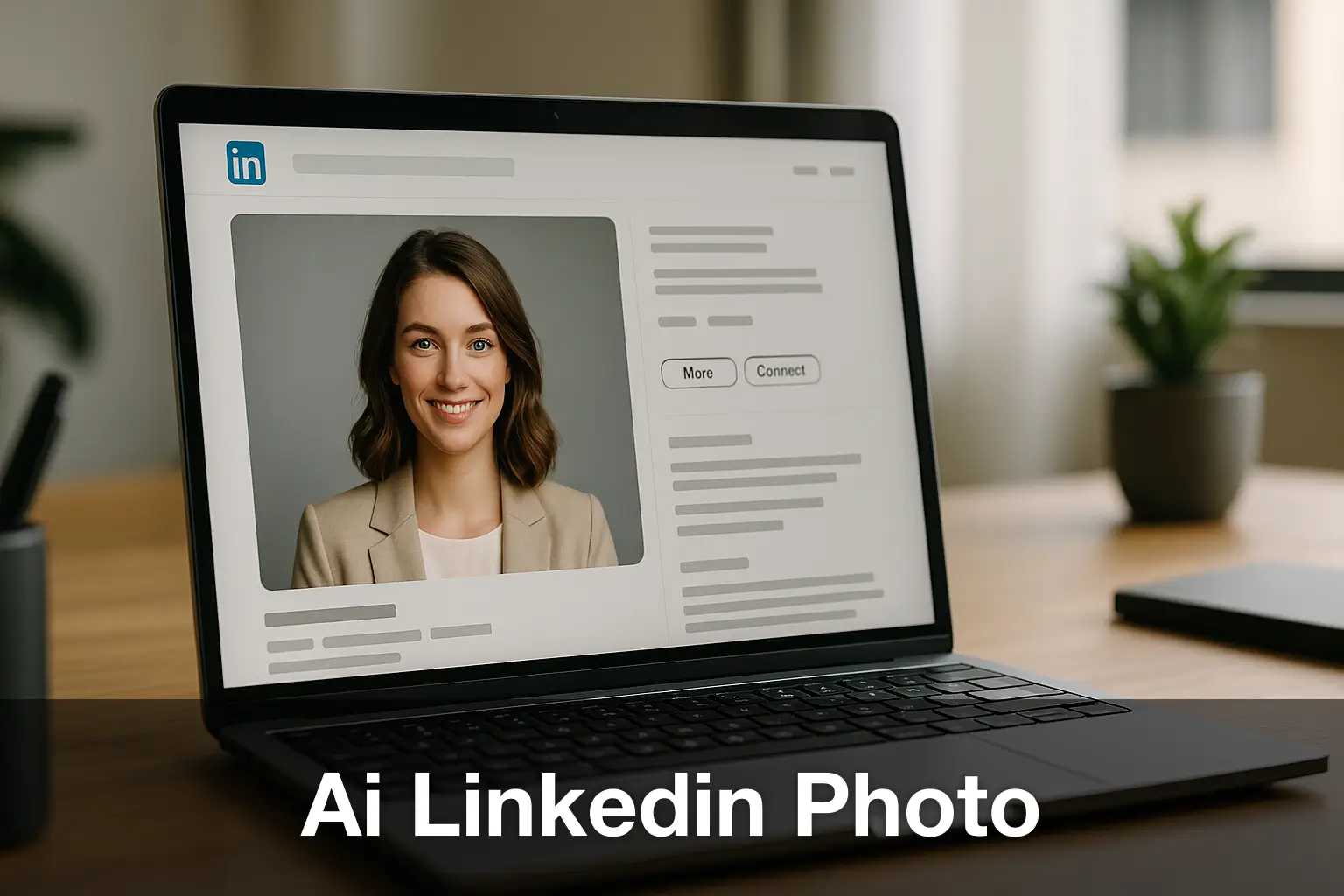
The catch with an AI LinkedIn photo is honesty. Use high quality source images, avoid extreme filters, and choose outputs that still look like you on a normal workday. If an AI portrait changes your skin, jawline, hair, or age too dramatically, it can hurt credibility instead of helping it. Professional profile photo guide rules apply here too: accurate beats impressive.
How to Prepare for a Professional Headshot Session
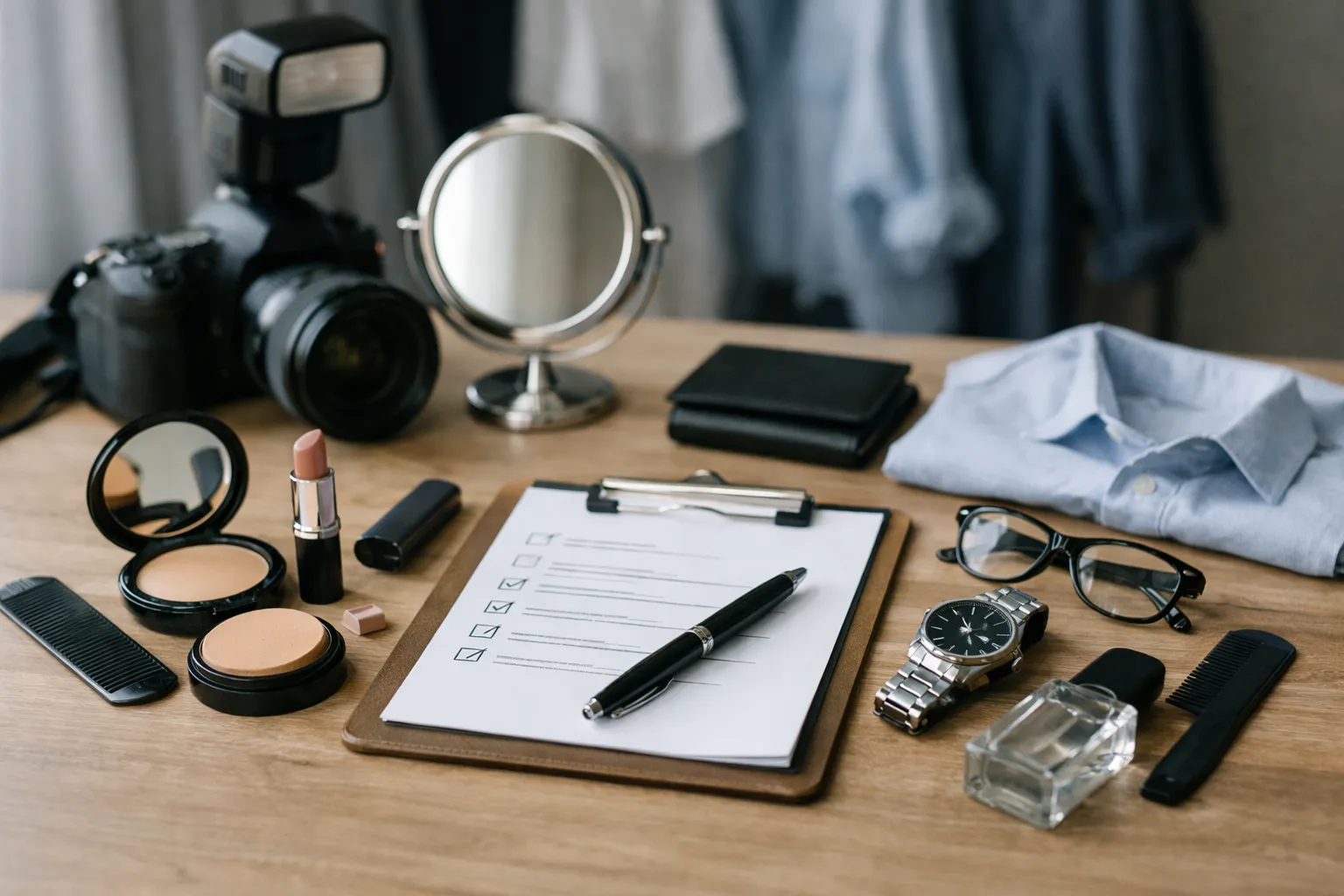
Preparation affects the result more than most people expect. The camera notices wrinkled fabric, shiny skin, flyaway hair, and tired eyes. A little planning makes the whole session smoother, whether you are meeting a photographer or creating images for AI.
What to wear for professional headshots
Your clothing should support your face, not compete with it. Solid colors are usually safer than busy patterns, and fit matters more than brand. Choose something you would realistically wear to an important meeting in your field.
- Stick to solid, medium toned colors like navy, charcoal, forest green, cream, or muted blue.
- Pick clothes with structure. A blazer, crisp shirt, knit top, or simple dress usually photographs well.
- Avoid loud prints, neon shades, heavy logos, and anything that wrinkles easily.
- Bring one more formal option and one slightly softer option if you can.
- Keep jewelry simple unless it is part of your everyday professional identity.
A finance analyst and a graphic designer can both look polished, but not in the same uniform. Good linkedin headshot tips always account for industry expectations. Wear what feels like your professional self on a very good day.
Hair, grooming, and last-minute prep mistakes to avoid
Do grooming the day before, not right before the shoot. Fresh haircuts can sit awkwardly for a few days, and rushed shaving can leave irritation. If you wear makeup, aim for an even, natural look with a little shine control rather than a heavy evening style. Facial hair should look intentional. Brows, nails, and lip moisture matter more than people think because close crops magnify everything.
The last hour matters too. Steam or press your clothes. Bring a lint roller. Drink water. If you wear glasses, clean them carefully and consider an anti glare pair if you have one. Sleep is not vanity here. It is image quality.
A common mistake is trying to look like a different person for the session. It is better to look like a clearer, sharper version of yourself.
Best Lighting and Professional Headshot Poses for Beginners
If you want to learn how to get professional headshots without overcomplicating the process, start with light and posture. These two elements do most of the heavy lifting. Fancy cameras help, but they will not rescue harsh shadows or stiff body language.
Best lighting for professional headshots
Soft, even light is your friend. For beginners, the easiest setup is standing near a large window with indirect daylight. Face the window or turn slightly about 45 degrees so the light wraps around your face. This creates gentle shape without deep shadows under your eyes or nose.
Avoid direct midday sun, overhead room lights, and mixed lighting from different bulbs. Those setups create glare, color casts, or uneven shadows that make skin look tired. If you are using a studio, ask for softboxes or a beauty dish with diffusion rather than hard, dramatic light. Professional portrait tips are often simple: flatter first, stylize second.
Professional headshot poses for beginners
You do not need model training. Start by turning your shoulders slightly away from the camera instead of standing square to it. Then bring your face back toward the lens. Keep your spine tall, relax your jaw, and think about lengthening through the crown of your head. A small lean from the waist can add energy and presence.
For the face, the classic move is subtle but powerful: move your forehead slightly forward and tip your chin down just a touch. It defines the jawline and keeps the eyes engaged. Keep your mouth soft. Try a small smile, then a neutral expression, then something in between. Tiny changes can create very different results.
One sales manager I know hated every photo taken of him until the photographer changed only two things: shoulders angled, chin slightly forward. The final image became his company bio photo and stayed there for three years. Small adjustments, big difference.
FAQ for How to Get Professional Headshots: Cost and Credibility
Price matters, but value matters more. A cheap image that looks fake can cost you opportunities, while a thoughtfully chosen photo can serve you for years. The goal is not to spend the most. It is to get a believable result that fits your purpose.
How much do professional headshots cost?
Prices vary by city, experience, and how many final images you need. AI tools are the least expensive entry point, while a photographer with retouching and wardrobe changes will cost more. Here is a realistic range.
| Option | Typical price | Turnaround | What you usually get |
|---|---|---|---|
| AI headshot tool | $25 to $75 | Same day to 2 days | Multiple generated images from uploaded selfies |
| Quick photographer mini session | $150 to $300 | 3 to 10 days | Short session, 1 to 3 edited photos |
| Standard individual session | $300 to $800 | 5 days to 2 weeks | Longer session, several finals, more guidance |
| Executive or branding session | $800 and up | 1 to 3 weeks | Advanced retouching, wardrobe changes, broader usage rights |
In many cases, a mid range session is the sweet spot. You get human direction and a reliable image without paying for a full branding package.
Are AI headshots good enough for LinkedIn and resumes?
Yes, sometimes. For many job seekers, consultants, and early career professionals, AI images can be good enough for LinkedIn and resumes if they are realistic, clean, and clearly based on you. This is especially true when the alternative is an old selfie or a cropped social photo.
But there are limits. If the skin looks plastic, the teeth look unnatural, or the suit appears painted on, people notice. For roles that depend heavily on trust, visibility, or media exposure, a photographer is usually the safer choice. Job seeker headshot advice here is simple: if someone meets you tomorrow, your photo should not surprise them.
FAQ for How to Get Professional Headshots: Planning, Timing, and Next Steps
Most people do not need dozens of images or weeks of planning. They need one or two strong photos that fit their immediate goals. Keeping the process simple usually leads to better decisions.
How many outfits and final images do I need?
For most professionals, two outfits are enough, and three is plenty. One should be your safest, most versatile choice. The second can be slightly more relaxed or slightly more formal, depending on where the photo will appear. If you are updating LinkedIn, a company bio, and a speaking profile, aim for three to five final images with a mix of square and vertical crops.
More images are not always better. What you need is a small set of reliable options that all feel consistent. Work headshot tips often come down to this: pick the image that makes you look confident, approachable, and unmistakably like yourself.
What should I do next if I need headshots this week?
Start today by choosing your goal and outfit. Tomorrow, either book a local photographer or gather 10 to 20 clear source photos for an AI headshot generator. The day after that, review the results on both desktop and mobile, because LinkedIn thumbnails tell the truth fast.
If you get stuck between two decent options, choose the one that feels more natural, not more dramatic. Then update LinkedIn, your resume if appropriate, and any company profile at the same time so your image stays consistent across platforms. A polished photo will not get you the job by itself, but it can help open the door a little faster.