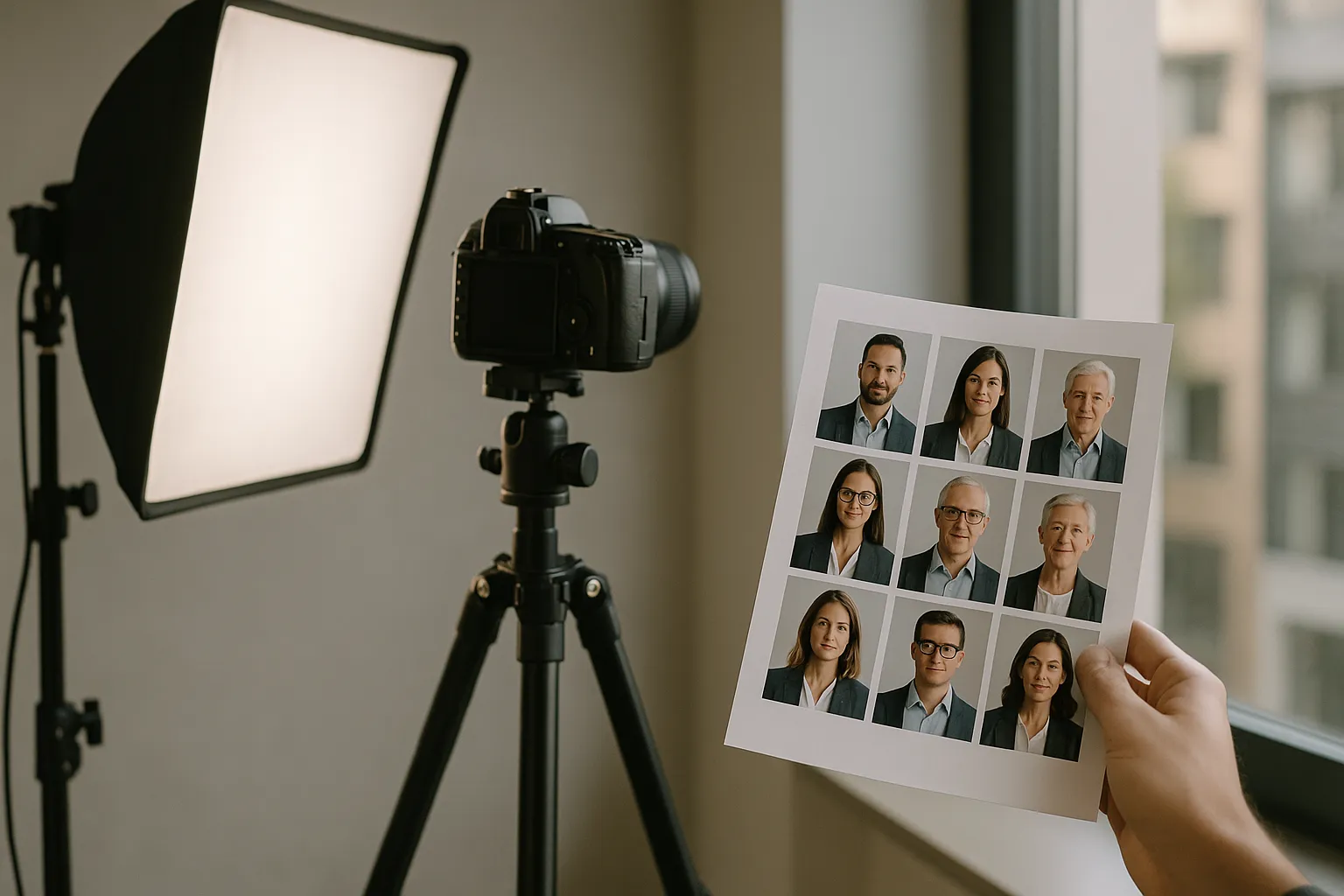
 Made in Germany
If you had to choose between two consultants who look identical on paper, what would nudge you toward “yes” for one and “not sure” for the other? And when you land on a company About page, do you feel more confident when the leadership team looks current, cohesive, and approachable-or when it’s a mix of grainy selfies and cropped vacation photos?
That’s the quiet power behind the question, What are corporate headshots really for?
In day-to-day business, headshots act like visual shorthand. They tell people, quickly, “I’m real, I’m present, and I take my role seriously.” They also send a message about the organization: how it communicates, how consistent it is, and how much it values the people representing it.
In this guide, we’ll walk through what corporate headshots are, where they show up in modern business (often in places you don’t expect), and why they matter more than most teams realize. We’ll also get practical: the psychology behind portraits, the main styles companies use, and the behind-the-scenes processes that keep a headshot program from turning into a messy folder called “Headshots_FINAL_v8.”
What Are Corporate Headshots? Definition, Uses, and Value
Corporate headshots are professional portraits created for business identity and communications. They’re typically framed from the chest or shoulders up, shot with intentional lighting and posing, and delivered in formats that work across digital and print channels. The goal is recognition and trust-not glamour.
You’ll usually see these images tied to people who represent the organization in some way: executives, managers, client-facing teams, speakers, and (in many companies now) every employee. In practice, corporate portraits do three jobs at once:
First, they help someone look credible at a glance. Second, they make it easier to recognize colleagues, clients, and partners. Third, they reinforce brand consistency-especially when a company is growing quickly or hiring across multiple locations.
Picture a familiar moment: a prospect receives a proposal, clicks through to your website, then checks LinkedIn before replying. If your company profile photos feel consistent across those touchpoints, the experience is smooth. It feels like one organization speaking with one voice. If the images are mismatched-different crops, wildly different lighting, noticeably different ages-it can feel like the team hasn’t quite met each other yet.
And the value isn’t limited to outward-facing marketing. Staff headshots make internal directories, org charts, Slack, Teams, and collaboration tools feel more human. One strong image can prevent a surprising number of awkward moments: “Sorry… which one are you on Zoom again?”
A simple way to say it: a good portrait removes friction.
Why Companies Use Corporate Headshots: Trust Signals, Employer Branding, and Sales Enablement
Companies invest in consistent corporate portraits because people form impressions fast-and visuals travel farther than text. A well-run headshot set supports marketing, recruiting, sales, and internal culture with one coordinated effort.
Used well, workplace headshots become part of your company’s “face” across the places people actually make decisions: leadership pages, press releases, conference speaker lineups, proposal templates, customer success introductions, Slack profiles, and knowledge bases. They also help distributed teams feel less abstract, which matters more the farther apart people are.

The Psychology of Professional Portraits: Eye Contact, Posture, Lighting, and Facial Symmetry
A portrait works because it compresses a lot of social information into a small rectangle. We read faces instinctively. We scan for openness, confidence, warmth, and competence-often without realizing we’re doing it.
Eye contact is the obvious signal. When the subject’s gaze is steady and relaxed, viewers tend to rate them as more trustworthy and capable. When the eyes are hidden behind harsh shadows, glare, or soft focus, the brain has to work harder to “interpret” the person. That tiny bit of uncertainty can spill over into how someone feels about the message, the offer, or the company.
Posture adds another layer. A long neck, open chest, and slight forward lean reads as engaged. Slumped shoulders can read as tired. A rigid stance can read as guarded. Even small adjustments-dropping the shoulders, turning slightly, relaxing the jaw-can shift the entire emotional tone of an image.
Lighting does a lot of heavy lifting, too. Soft, directional light creates gentle shadows that define features and feel flattering. Flat overhead light (the kind you get in many office hallways) can make anyone look washed out or fatigued. And camera angle matters: slightly higher often feels friendly; slightly lower can feel imposing.
There’s also a practical, modern reality: platforms reward faces. LinkedIn has long pointed out that profiles with photos receive substantially more visibility and engagement than those without. That’s not magic. It’s human behavior meeting an algorithm-and it’s a big reason teams invest in professional business headshots that feel current and consistent.
Corporate Headshots and Employer Branding: Recruiting Signals and Cultural Alignment
Recruiting is full of micro-judgments. Candidates rarely say, “I applied because of the headshots,” but they absolutely notice when a company looks modern, consistent, and intentional. They also notice when it doesn’t.
Company profile photos that feel current and cohesive can signal operational maturity: “We’ve got our act together.” A patchwork of mismatched selfies, outdated portraits, and cropped group shots can signal the opposite-even if the company is excellent.
Headshots also influence how candidates imagine belonging. When people see a range of roles, ages, ethnicities, gender expressions, and personal styles represented with equal care, it quietly communicates: “You’ll be taken seriously here.” That’s employer brand in real life-not a slogan.
Sales enablement gets a lift, too. When a salesperson sends an introduction email or a proposal that includes consistent team headshots, it reduces the “faceless vendor” problem. Trust often starts before the first call. If you’ve ever felt a cold intro soften when the other side can put a face to a name, you’ve seen this in action.
Standards and Types: Corporate Headshot Guidelines and Visual Identity
A headshot program works best when you treat it like a small brand system. Consistent framing, background, color, and retouching style help each person look like part of the same organization-without making everyone look like they were stamped from a template.
The most useful standard isn’t “everyone must look identical.” It’s “everyone should look equally intentional.” In other words: same baseline quality, same brand cues, same level of care, even when roles, locations, or seniority differ.
Types of Corporate Headshots: Studio, Editorial, and Environmental
Studio business headshots use controlled lighting and a simple backdrop. They’re efficient for volume and much easier to keep consistent across a large team. If you’re photographing 200 people over two days, studio is usually the cleanest path.
Editorial-style portraits feel more like a magazine profile. The lighting can be moodier, the crop may vary, and the result can feel distinctive-especially for executive headshots, keynote speakers, or leadership portraits that appear in press and thought-leadership placements.
Environmental portraits put the subject in a real context: a conference room, a lab, a retail floor, a workshop, a design studio. Done well, they communicate what the company does without requiring a caption. Done poorly, the background steals the show.
Corporate Headshot Guidelines for Branding Consistency
Below is a practical way to think about style choices and how they affect brand consistency.
| Type | Typical setting | Strengths | Watch outs | Common use cases |
|---|---|---|---|---|
| Studio | Backdrop, controlled lighting | Highest consistency, fast production | Can feel generic if over standardized | Staff headshots, directories, email signatures |
| Editorial | Varied lighting and composition | Premium, distinctive look | Harder to scale across teams | Executive headshots, PR, keynote bios |
| Environmental | Workplace locations | Adds context, feels authentic | Busy backgrounds can distract | Careers pages, culture campaigns, leadership portraits |
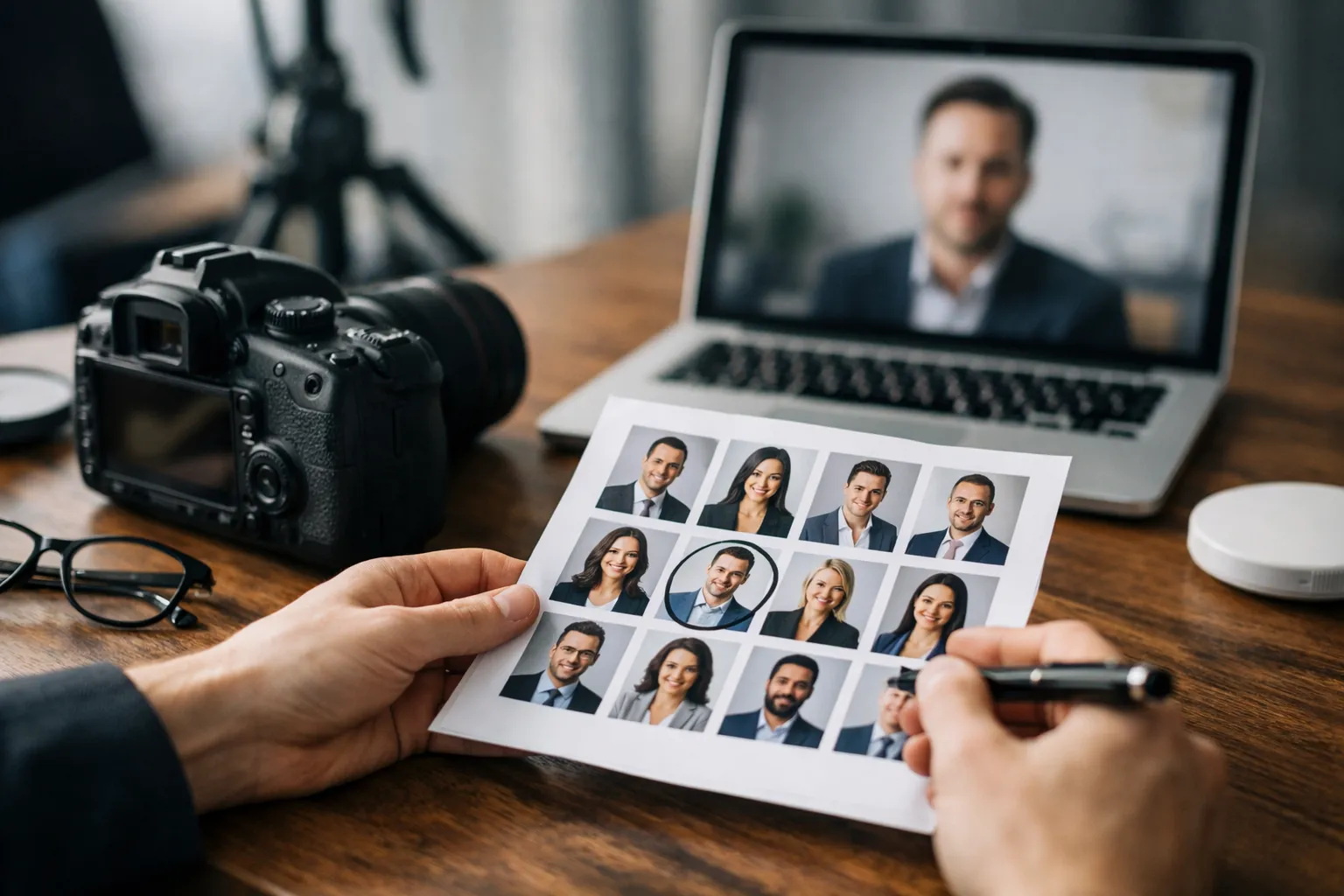
Consistency guidelines usually cover crop (for example, mid-chest to top of head), background palette, wardrobe guidance, retouching limits, and delivery formats-and a clear set of corporate headshots guidelines helps teams actually stick to them.
This is where brand gets real. If your company’s visual identity is warm, modern, and people-first, stark cool lighting and ultra-high-contrast retouching can feel off. Brand-aligned headshots should look like they belong on the same website, because they do.
Technical and Operational Foundations: File Specs, Metadata, DAM, and Compliance
The creative part gets the attention. Operations determine whether the images are still usable six months later.
File formats, naming conventions, and permissions are the difference between “We have great photos” and “We can’t find the right photo when we need it.” If you’ve ever watched someone paste a pixelated screenshot into an investor deck the night before a meeting, you already understand the stakes.
A strong system also reduces risk. Portraits involve personal data, and in many organizations they’re stored and shared across tools. Clarity on consent, retention, and access isn’t bureaucratic busywork-it’s respect.
Technical Standards and File Requirements for Corporate Photography
A single headshot often needs multiple versions: high resolution for print, web-optimized for pages, square crops for directories, and sometimes transparent background variants for design layouts.
Here is a set of common specs many teams adopt, adapted to typical marketing and HR needs.
| Use case | Recommended format | Suggested size | Notes |
|---|---|---|---|
| Website bio | JPG or WebP | 800 to 1200 px on the long edge | Compress for fast loading and consistent color |
| LinkedIn and social | JPG | 400 to 800 px square | Provide a safe crop area so faces are not cut off |
| Press and print | TIFF or high quality JPG | 3000 px plus on long edge | Include color profile and avoid aggressive sharpening |
| Internal directory | JPG | 300 to 600 px square | Keep file size small for quick loading |
Accessibility matters, too. If portraits are used on the web, provide meaningful alt text and follow usability guidance like the W3C Web Content Accessibility Guidelines.
Metadata Systems, File Naming, DAM Workflows, and Offboarding Processes
Metadata is the invisible glue. A clean naming scheme helps teams find images quickly, even when people share names, change roles, or move offices.
A practical pattern includes last name, first name, department, location, date, and usage rights. Embed the basics in IPTC metadata when possible. That way, images carry their context even if they get copied out of a shared drive.
Many organizations manage portraits in a digital asset management system. Tools like Bynder help centralize assets, enforce permissions, and reduce the “final final v7” chaos. Even without a dedicated DAM, a structured folder approach with clear ownership can work surprisingly well-if someone is actually accountable for maintaining it.
Offboarding is often overlooked until it’s urgent. When someone leaves, you may need to update the website, remove their photo from current materials, and keep archival versions for compliance or historical records. Decide ahead of time what happens, who approves it, and how quickly it should happen.
One line worth keeping: governance is kindness to your future self.
Modern Workflows: Traditional Shoots vs Remote Corporate Headshots and AI Governance
Hybrid work changed how portraits get made. Some teams still run classic office photo days. Others rely on remote capture kits, guided smartphone sessions, or a mix of local photographers with centralized editing.
The best workflow isn’t the fanciest-it’s the one that preserves quality and fairness while fitting how your organization actually operates. That usually means thinking in processes, not one-off events.
Traditional Photoshoots vs Remote Corporate Headshots: Workflow and Standards
Traditional shoots have clear advantages: controlled lighting, consistent backgrounds, and real-time coaching. They’re ideal for photographing large batches in one location.
The tradeoff is scheduling. Office days can miss remote employees, field teams, and new hires who start two weeks after the photographer leaves. You end up with a “mostly consistent” set-and a long tail of exceptions.
Remote corporate headshots solve that by meeting people where they are. A typical remote workflow includes sending lighting and wardrobe guidance, capturing with a phone or webcam under controlled conditions, then centralized editing and delivery. Some companies mail simple kits (a small light, a backdrop) to improve consistency.
A micro-story you might recognize: a global software company with offices in three regions tried to standardize team headshots using local photographers in each city. The first round looked like three different brands-different background tones, different crops, different color temperature. The second round worked because they did something simple: they standardized background color, crop, and retouching style, and used a single editing team to unify color and contrast. Same people. Same company. Finally, the photos agreed.
AI in Corporate Headshots: Workflow, Governance, and Bias Testing
AI tools can help with background cleanup, lighting correction, and (in some cases) synthetic portrait generation. The benefits are speed and scale. The risks are quieter: over-smoothing that changes identity, outputs that handle skin tones unevenly, and unclear consent around an altered likeness.
If your organization uses AI anywhere in the portrait pipeline, governance should cover three basics: clear consent (what’s being altered and where it will appear), quality checks (does it still look like the person on a normal day?), and bias testing across diverse faces and conditions. The NIST Face Recognition Vendor Test is a helpful reference point for understanding how performance can vary across demographics.
For straightforward editing workflows, teams often standardize with tools such as Adobe Lightroom to keep color, exposure, and skin tones consistent across a whole set of professional corporate portraits.
Inclusivity, Representation, and Global Team Consistency
Portrait programs are a chance to reflect who is actually in the company-not just who is most visible. Representation isn’t a special campaign. It’s the baseline for a brand that wants to feel credible to employees, candidates, and customers.
Global consistency adds another layer. Different offices, climates, cultural norms, and accessibility needs can affect wardrobe, lighting, and comfort. The goal is standards that travel well without erasing individuality.
Inclusivity and Representation in Corporate Photography
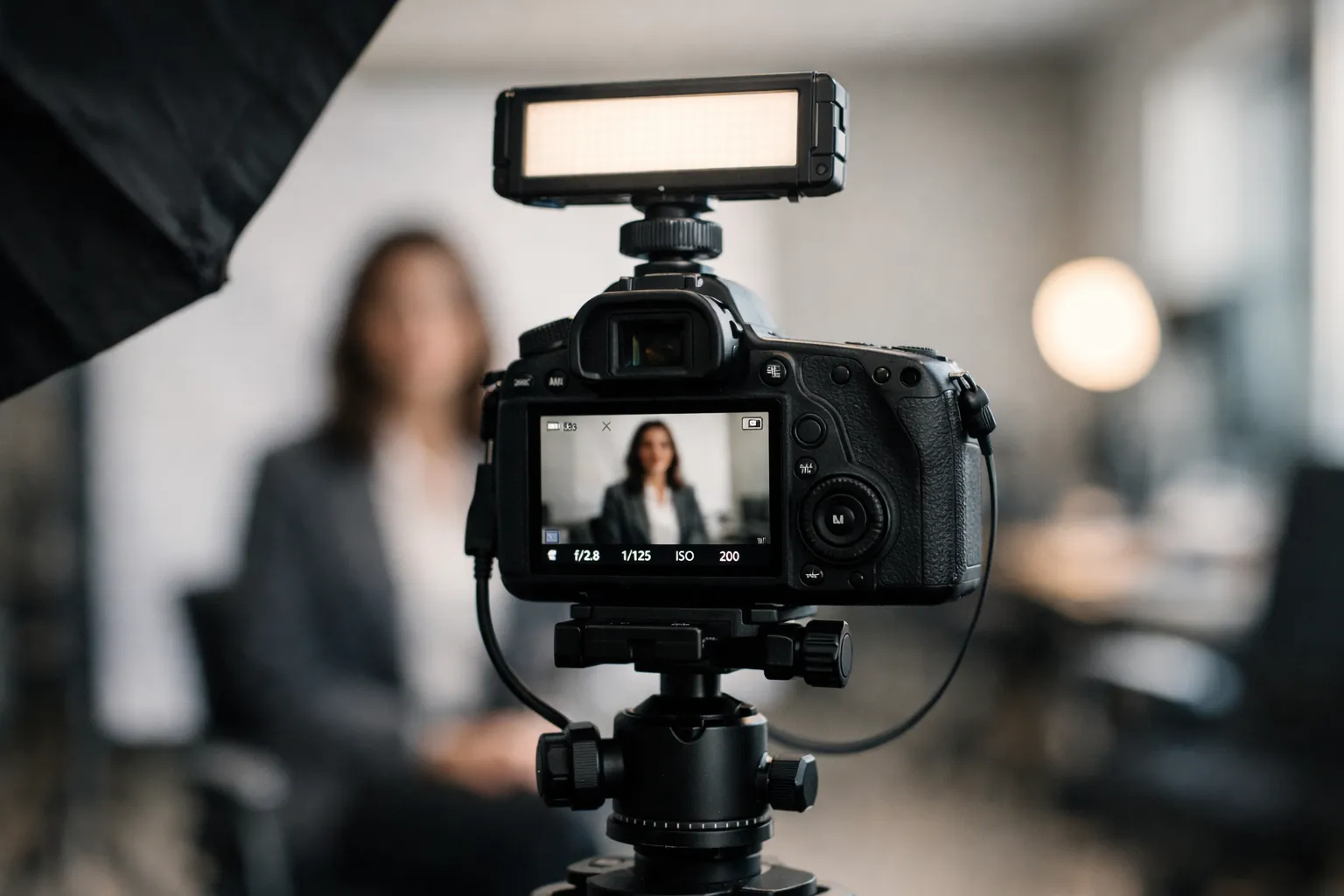
Inclusivity starts before the camera turns on. Wardrobe guidance should be flexible, not narrow. Provide options for backgrounds and posing that accommodate mobility differences. And avoid retouching practices that lighten skin, reshape facial structure, or remove cultural markers. People should look like the best version of themselves-not a generic template.
Expression norms matter, too. Some cultures prefer a more formal expression; others are comfortable with broader smiles. Instead of forcing one “company face,” set a range that still feels on brand. You can keep framing and lighting consistent while letting people choose an expression that feels natural.
One practical tip: train photographers and editors to recognize when lighting setups underexpose darker skin tones. The fix isn’t heavy retouching later. It’s better capture choices up front.
“Consistency should equalize quality, not erase personality.”
Corporate Headshots for Global Teams and Update Cadence
For global teams, update cadence matters. If headquarters refreshes images every year but regional offices update every five years, the directory turns into a time capsule.
A workable approach is to define a refresh policy tied to role changes, promotions, or a simple time window (commonly every two to three years). Also build headshots into onboarding. If it takes six months to get a photo, the employee spends their early weeks as a gray silhouette in internal tools-exactly when they’re trying to meet people.
It also helps to think about “image gravity”: where do people pull headshots from when they’re in a hurry? Many companies aim for a single source of truth so corporate profile pictures stay consistent across the website, intranet, and sales tools. Approved crops and clearly labeled folders reduce the “I grabbed a random version from Google Images” problem.
Practical Planning: Budget Considerations and Strategic Wrap‑Up
A portrait program doesn’t have to be extravagant to be effective. The smartest plans are clear about scope, standards, and ownership. That’s what turns a photo day into a repeatable system.
Budget isn’t just photographer rates. It includes time, scheduling, editing, coordination, storage, and updates. It’s less like buying a one-time asset and more like maintaining a small product: it needs support, not just a launch.
Budget Planning and Cost Considerations (Without a Sales Pitch)
Here are the cost drivers that typically matter most, and how to make tradeoffs without sacrificing quality.
- Volume and coverage: Photographing 20 people in one office is a different project than photographing 800 people across 12 countries.
- Consistency requirements: Studio setups and standardized editing take planning, but they reduce brand drift.
- Time per person: More coaching and review time usually means better expressions and posture, and higher cost.
- Usage needs: If images must work for press, print, and web, you need higher-resolution capture and stronger file management.
- Ongoing updates: New hires, promotions, and departures create operational work, even after the initial shoot.
If you’re choosing between “perfect for a few” and “good for everyone,” come back to your use case. Leadership portraits may deserve extra time and polish. Staff headshots for an internal directory may prioritize speed and consistency. What matters most is that the standard feels fair.
Conclusion: Apply a Cohesive, Ethical Headshot Program
A cohesive program is part creative direction, part operations, and part culture. The most effective approach connects visuals to real use cases: recruiting pages, sales decks, internal tools, and leadership communications.
If you’re still circling the question “What are corporate headshots supposed to accomplish for us?”, keep it simple: clarity, trust, and recognition at scale.
When the photos are brand-aligned, accessible, and managed responsibly, they quietly support almost every department-often without anyone calling attention to them. And when you need inspiration for what “modern and trustworthy” can look like across teams, a set of corporate headshots examples can help you set the bar.
Make it consistent. Make it inclusive. Make it easy to maintain. That’s how a set of portraits becomes a system that keeps paying you back.
If you’re ready to move from theory to execution and want to see how a structured, brand-aligned headshot program can work in practice, explore how modern teams implement consistent, scalable corporate portraits. You can learn more about our approach to corporate headshots for companies and distributed teams here:
👉 Corporate headshots for teams and organizations
Whether you’re standardizing portraits for a growing department or aligning visuals across global offices, the right system turns individual photos into a cohesive visual identity.