 Made in Germany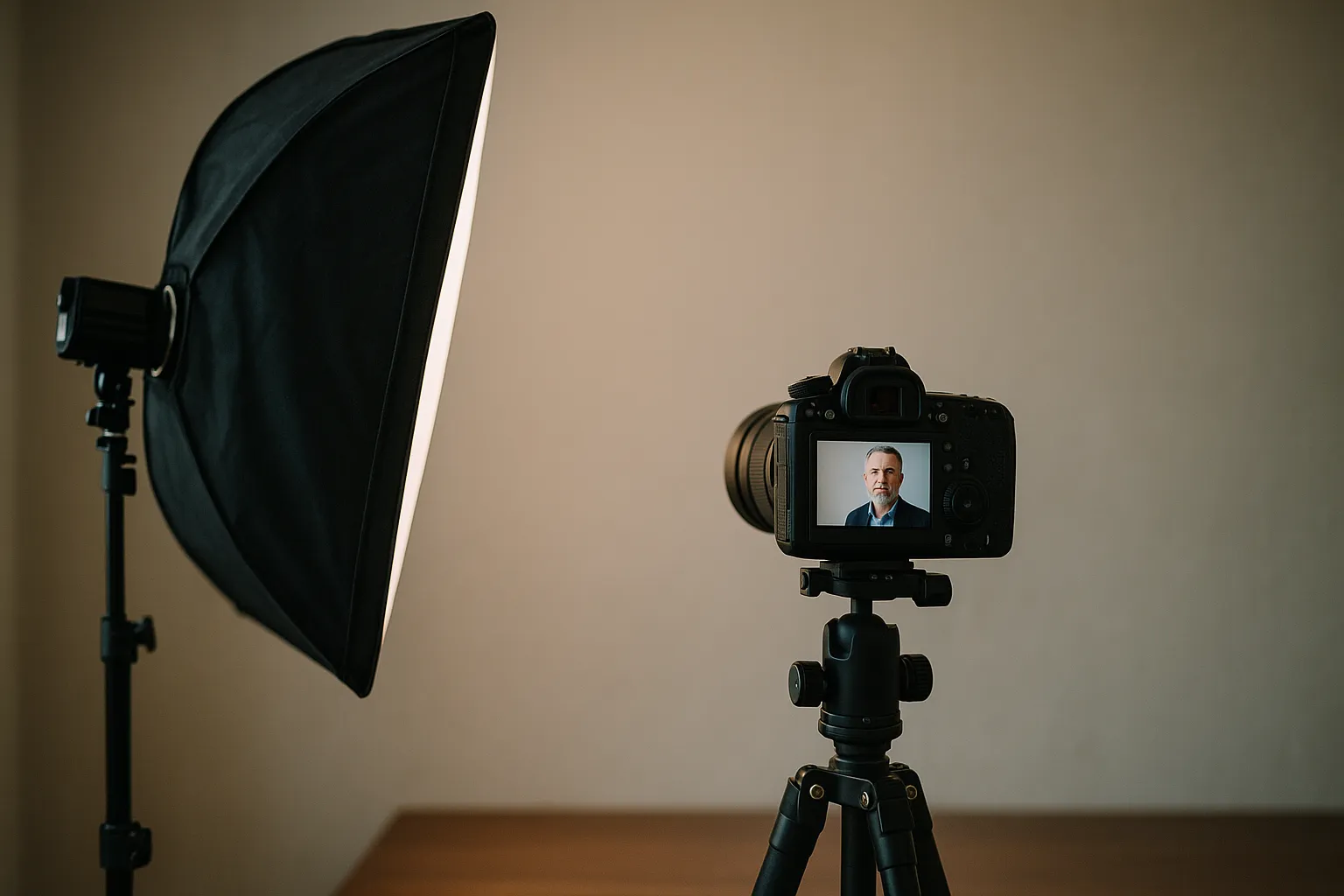
According to LinkedIn’s own data, profiles with a strong photo can dramatically increase visibility and responses. That’s the quiet superpower behind professional business headshots: they influence first impressions before your words do. In a feed that never stops scrolling, your image is the pause button.
Picture this: a recruiter flips through 80 profiles before coffee. Yours stops the scroll because your portrait feels confident and welcoming. No gimmicks. Just you—clear, current, and credible. That’s the point of a professional portrait.
This article unpacks what "professional" really means in a headshot, how to meet visual standards without over-polishing, and how to scale consistent looks across teams and offices. We’ll also explore modern AI workflows that speed up delivery without compromising authenticity, and we’ll end with a practical preparation guide tailored for LinkedIn. If you’re building a brand, hiring, selling, or simply networking, the right image earns attention you don’t have to ask for.
What Defines Professional Business Headshots (and Why They Matter)
Great headshots do more than look nice. They communicate trust, competence, and approachability in a fraction of a second. The aim isn’t to look different from yourself; it’s to look exactly like yourself on your best day. When that happens, your photo works hard for you: in a proposal deck, on a company “About” page, and yes, in an inbox.
Think about the last time you skimmed a team page. Did you form opinions before reading a single bio? We all do. A strong headshot becomes your silent elevator pitch in spaces where words are skimmed or skipped.
The “professional” part is a set of standards and repeatable choices: controlled lighting, color-managed files, flattering lens optics, and tasteful retouching that respects real skin. It’s also about brand coherence, so an executive’s portrait complements a team’s imagery and aligns with the company’s visual identity. In other words, it’s craft plus consistency.
Small choices add up. Background tone, camera height, even the distance between subject and backdrop can make the difference between “good” and “goal-hitting.” A strong headshot says, “You can trust me to handle the next step.” It’s the handshake before the meeting starts.
Core attributes: clarity, approachability, and brand coherence
Clarity starts with focus and clean light. Eyes must be crisp, and shadows should sculpt the face without distracting lines. Approachability comes from micro-expressions and body language: a relaxed jaw, engaged eyes, and shoulders angled slightly off-camera. These elements invite conversation rather than confrontation.
Brand coherence means your images feel like they belong to the same company family. If your brand is modern and minimal, consistent neutral backgrounds and simple wardrobe work. If you’re a creative studio, bolder colors or environmental office headshots might fit. The rule: your portraits should mirror the values your brand claims.
Quick story: a fintech CFO swapped a dim hallway photo for a clean, well-lit portrait with a calm gray background. Same blazer. Same expression style. Investor calls felt warmer because the image matched the firm’s promise: precise, steady, trustworthy.
Where good headshots fall short of “professional”
Lots of decent photos miss because they lack repeatability. Maybe the lighting shifts from person to person, or color temperature drifts warm to cool across a team. Another common issue is heavy-handed retouching that flattens real skin into plastic. Finally, composition matters: too much dead space, crop lines hitting the wrong places (like cutting at the neck or widening shoulders unnaturally), or a lens that distorts features.
Some images are “Instagram-good” but not hire-me good. The difference is intention. Ask yourself: does this photo help someone decide to work with me? If the answer is fuzzy, the image probably is too.
Visual Quality Standards: Lighting, Composition, Lenses, and Retouching
You don’t need every piece of gear in the catalog, but you do need a reliable recipe. Clear direction, flattering light, and thoughtful lens choices carry most of the load. This is where professional business headshots earn their polish without looking artificial.
Best lighting for business headshots
For corporate headshots, a soft key light slightly above eye level is a workhorse. Add a fill to lift shadows under the eyes, and a hair/rim light to separate the subject from the backdrop. For a classic look, consider a clamshell setup (key plus reflector) for gentle, even skin. On location? Bounce flash through a large umbrella to keep things consistent in mixed light.
Here’s a quick reference to dial in repeatable results:
| Component | Studio Baseline | On-Location Alternative | Why it works |
|---|---|---|---|
| Lighting | 1 softbox key + reflector fill | Large umbrella + white wall bounce | Soft, forgiving contrast with clean catchlights |
| Lens | 85mm–110mm equivalent | 70–200mm around 100mm | Flattering compression, minimal distortion |
| Aperture/Distance | f/4 at ~1.5m | f/3.2–f/4 with extra subject-background distance | Sharp eyes, gentle blur that isolates |
| Background | Mid-gray or brand color | Portable seamless or environmental | Keeps focus on the subject, supports brand |
| Color | Neutral white balance with gray card | Custom WB in each space | Consistent skin tones across sessions |
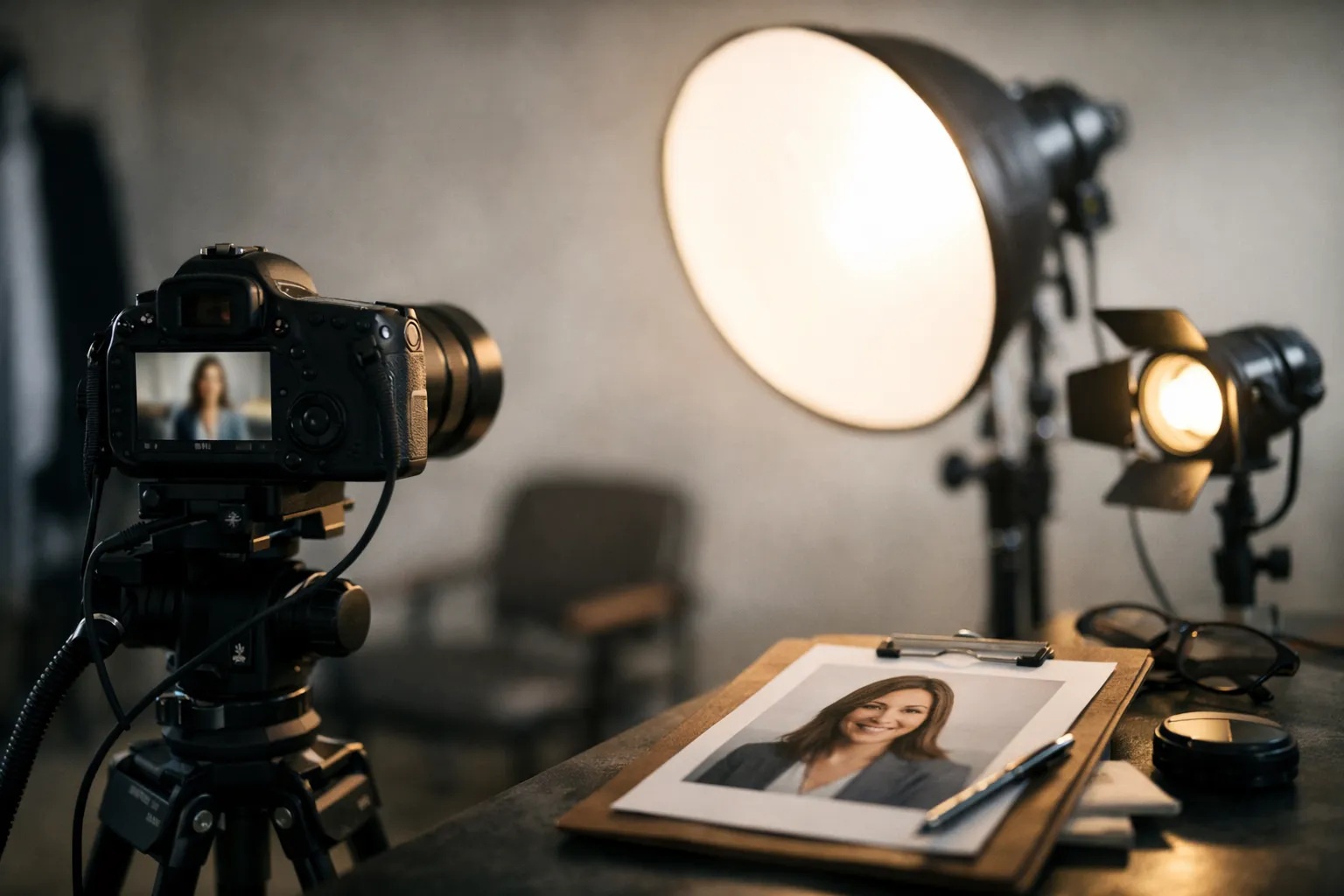
A picture helps clarify the arrangement.
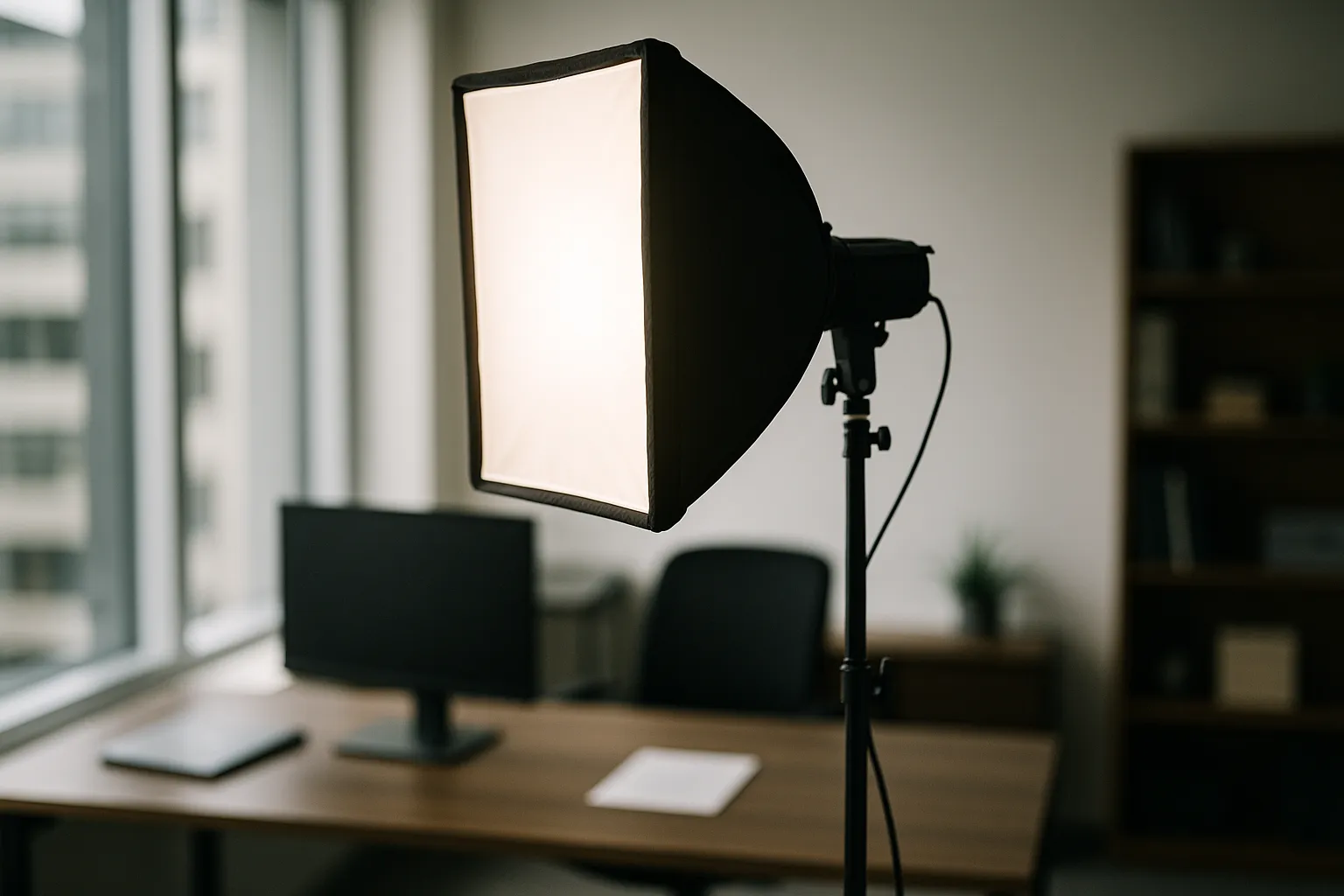
Tip from the field: if reflections in glasses are driving you crazy, raise the key light and angle it down slightly, then tilt the chin a touch. Small moves, big payoff.
Natural retouching that respects skin tone and texture
Retouching should tidy, not transform. Keep real pores and skin texture, reduce temporary blemishes, and tame flyaways. Aim for subtle dodge and burn rather than blanket skin blurring. Color management matters too: use calibrated monitors and consistent white balance so your final images don’t shift between yellow and blue across platforms. Editing in Adobe Lightroom or Capture One allows precise, non-destructive control with consistent presets.
The best test: if the subject’s friends can’t tell anything was retouched, you did it right. Keep it clean, keep it real. And if you’re unsure, step away for ten minutes and look again—fresh eyes catch over-edits fast.
Consistency at Scale: Building a Repeatable Corporate Headshot System
When your team spans cities or countries, the challenge isn’t taking one great photo—it’s taking a hundred that look like they belong together. Creating a simple spec (framing, background, lighting, and color targets) makes it possible to scale. Consistency signals reliability. In a high-stakes bid or recruiting round, that’s priceless.
One solution is building a portable kit and a shared shooting guide so any photographer can plug in. Another is partnering with a multi-city provider that follows your spec. Services like Snappr can coordinate coverage, while your internal brand team owns the style guide.
“Our website felt instantly more credible once every leader and contributor matched the same look. The visuals played like one chorus, not a collection of solos.”
Consistent company headshots across locations
Start with a one-page playbook: sample photos, exact lighting diagrams, suggested focal lengths, framing (shoulders to collarbone), and background RGB values. Include a color checker reference in the first test shot of every session. Centralize retouching with a preset that matches your brand’s contrast and color. Version-control your presets so everyone edits from the same baseline.
Add a light audit: during setup, shoot a gray card and a skin tone swatch. That makes quick work of white balance and exposure matching later. If a site has challenging ambient light, prioritize your key light quality and let the background fall a stop darker for drama.
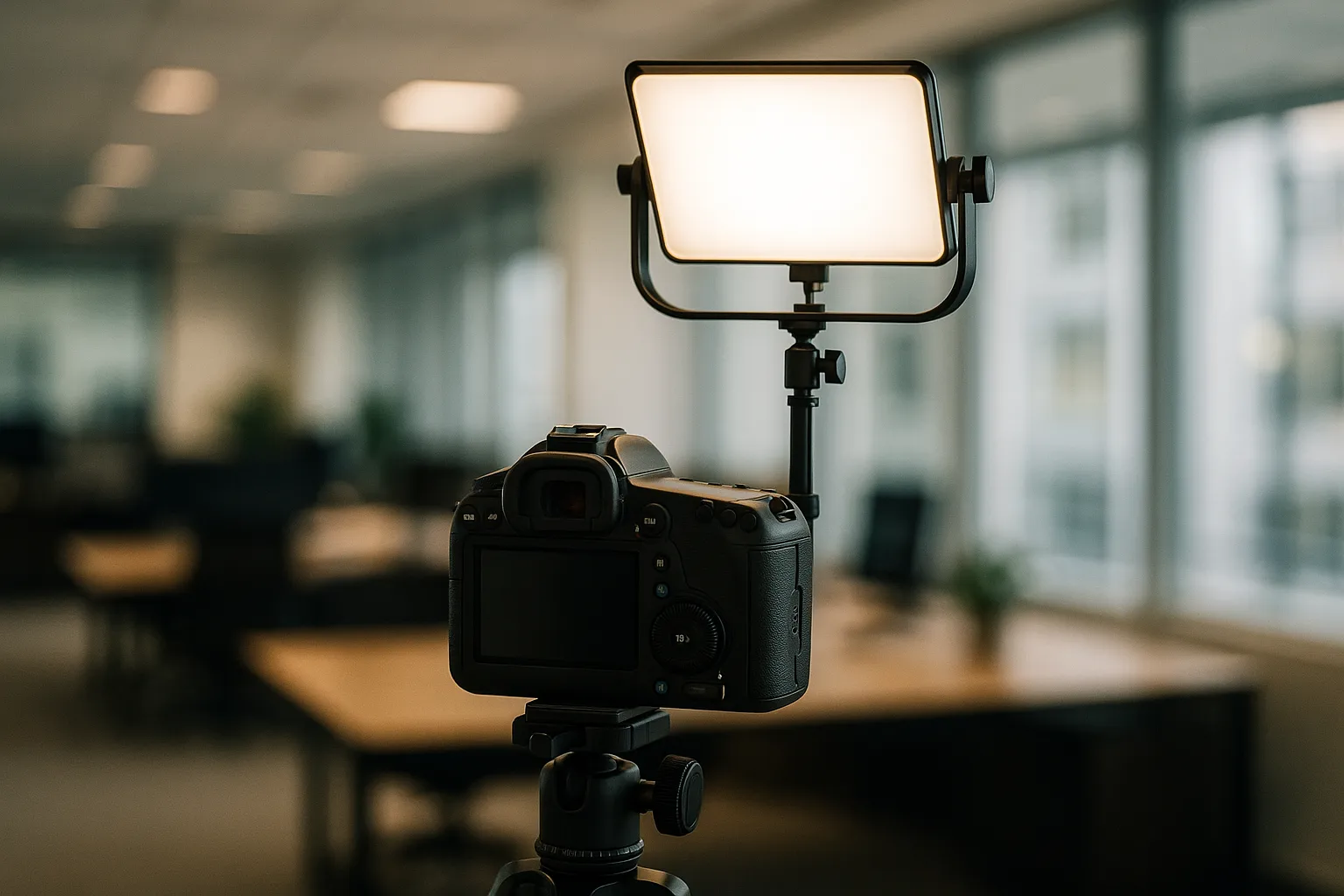
Micro-story: a distributed legal firm documented a three-light setup and a 95mm focal-length target. They shipped a collapsible backdrop to each office and trained a local coordinator to run test shots. The result? New hires in London and Austin looked like they were photographed in the same room.
Corporate team headshots for company website
Case study: a 500-person SaaS company updated their team page with uniform company corporate headshots. Before the refresh, average time-on-page was 36 seconds and recruiter outreach acceptance sat at 22%. Sixty days after launch, time-on-page rose to 52 seconds and outreach acceptance climbed to 31%. Same people, same bios - just coherent imagery that reinforced trust.
Operationally, they batched shoots by office, used a traveling background, and handled post-production centrally. The win wasn’t just aesthetics; it was pipeline. Consistency turns your website into a steady handshake across every profile. Imagine prospects clicking from Sales to Support to Leadership and feeling a single, dependable brand voice throughout.
From Capture to Delivery: Modern AI Workflows for Headshots
AI doesn’t replace craft; it accelerates the boring parts so humans can focus on expression and direction. The smart approach is human-led capture with machine-assisted culling, color matching, and preset application. When set up well, the process is faster, more consistent, and easier to govern.
AI-enhanced business headshot workflow
A practical pipeline blends human choices with automation: photographers capture clean source files; AI tools shortlist keepers, group images by look, and apply style-matched edits; retouchers finish with a light touch. Think of AI as your second set of eyes rather than your final arbiter. For teams, this means same-day previews and reliable delivery windows.
To make it concrete, here’s a sample workflow map:
| Stage | Primary Task | Helpful Tools | Notes |
|---|---|---|---|
| Ingest | Apply metadata, backup | Lightroom, Capture One | Add brand, location, and subject tags |
| Cull | Auto-score sharpness, expressions | AI culling plugins | Speeds selection while preserving human review |
| Base Edit | Apply style preset, WB match | Lightroom presets | Batch match to brand look |
| Retouch | Skin texture, stray hairs | Photoshop actions | Keep it subtle; retain pores |
| Export | Web + print sizes | Lightroom export presets | Uniform crops for site and LinkedIn |
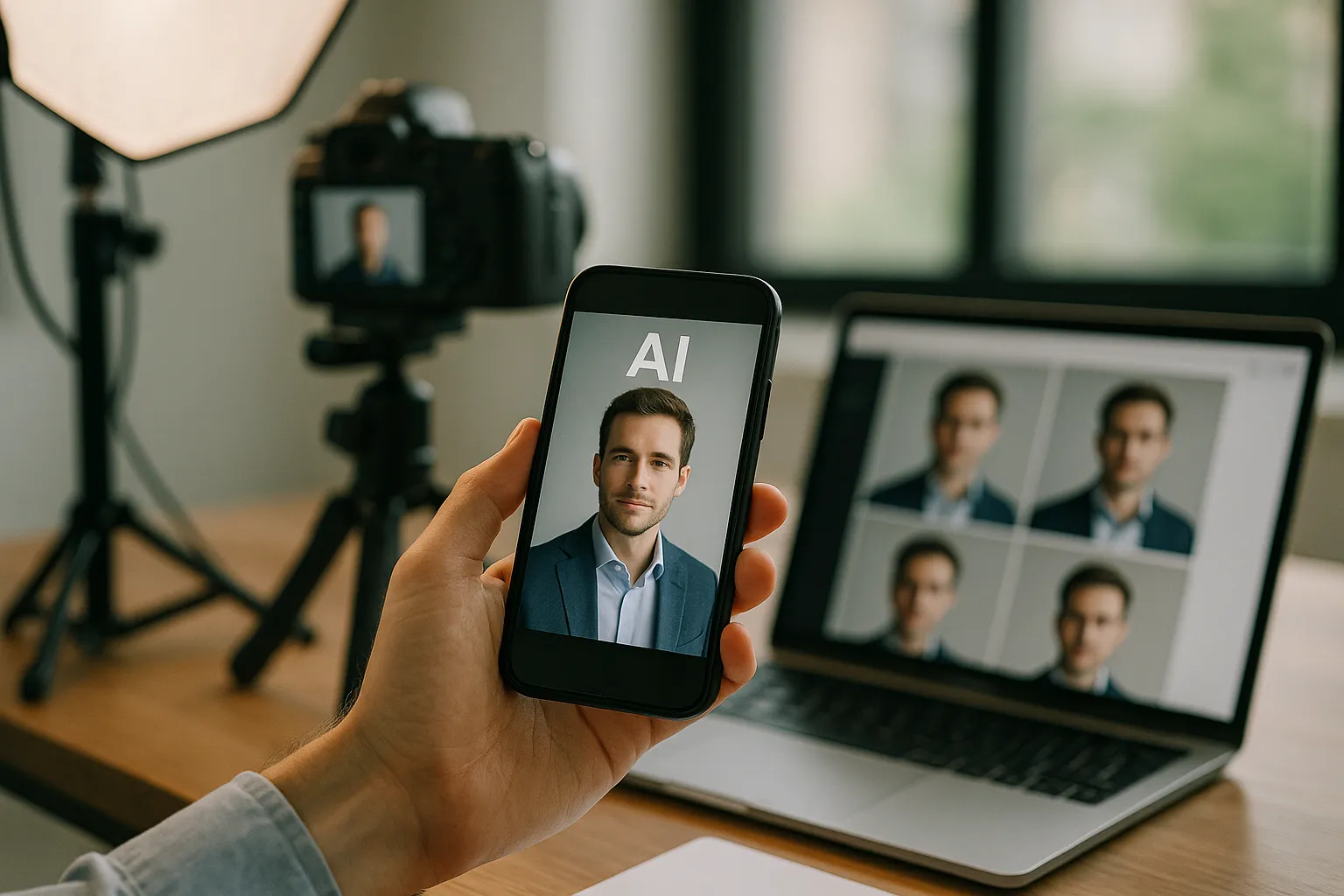
One more tip: codify your “good”. Establish a reference set of approved portraits and compare new sessions against that set. It’s a quick way to keep teams anchored. Also, bake in a spot-check across skin tones and ages to ensure your presets treat everyone fairly.
Quality control, bias checks, and brand safety
Automation needs guardrails. When using AI culling, confirm it isn’t favoring certain expressions or lighting on certain skin tones. Bake a bias check into your review: compare exposures, contrast, and white balance across diverse subjects, and correct preset behavior if needed. Keep your retouching standards transparent and documented.
For brand safety, lock down naming conventions, rights management, and delivery targets. Avoid generative edits that swap facial features or reshape bodies; it risks misrepresentation and trust. In short, let machines handle speed and repetition while people make the judgment calls. That’s how professional business headshots stay human where it counts.
Professional business headshots for LinkedIn: preparation and profile optimization
If LinkedIn is the digital lobby where audiences meet you, your portrait sets the tone. Treat the session as a collaboration: you bring personality and wardrobe; the photographer guides light, pose, and expression. Together, you craft a version of yourself that makes people want to read your headline.
Here’s a quick gut-check: does your current photo look like you, today, if a client met you in person? If not, it’s time.
How to prepare for professional headshots
Use this quick checklist to arrive confident and camera-ready:
- Choose wardrobe that fits brand colors or neutrals; avoid busy patterns that date quickly.
- Bring a backup top or jacket; options help if lighting or background shifts.
- Hydrate and rest the night before; skin and eyes look better when you feel better.
- Practice three expressions in a mirror: friendly neutral, light smile, confident smile.
- Plan hair and grooming a day before, not the morning of, to avoid last-minute surprises.
Once you have your images, upload the best one to your profile and check how it crops on mobile. Follow LinkedIn’s photo guidance. Small tweak, big payoff. And yes—ask a trusted colleague which option feels most “you.” Fresh feedback helps.
Conclusion and next steps
Decide your look, write a simple spec, and schedule the shoot. If you manage a team, build one shared style and stick to it. For editing and delivery at scale, use consistent presets and a light retouching touch. Then watch how your profile views, replies, and connection quality respond.
A polished headshot isn’t a vanity project—it’s a communication tool. Show the version of you that matches the results you deliver. Ready to upgrade your first impression?
FAQ: Professional Business Headshots
What’s the ideal backdrop color for corporate headshots?
A neutral mid-gray is versatile and flattering across skin tones. It also color-grades easily to match brand palettes. If your brand uses color, consider a subtle hue as a background accent, but keep saturation gentle so the face remains the star.
How often should companies refresh employee headshots?
Every 18–24 months, or whenever someone’s appearance meaningfully changes (hair, glasses, facial hair). Revisit sooner if you rebrand; matching the new visual language matters for cohesion across business portraits.
Is studio or on-location better for executive portraits?
Studios offer absolute control and repeatability, ideal for executive headshots with a consistent look. On-location provides environmental context (office textures, brand colors) that can feel more editorial. Choose based on your brand voice and the usage context.
What’s a reasonable turnaround time for a team photoshoot?
For a team of 20, same-day selects and a 3–5 business day delivery is common when post-production is streamlined. Larger teams benefit from staggered delivery: publish web-size selects quickly, then roll out final retouched files in batches.
How much retouching is appropriate for business headshots?
Tidy temporary blemishes, reduce shine, and manage flyaways; keep texture and natural features. The guiding principle: if it’s you on a good day, keep it. If it changes bone structure or identity, that’s too far.
Can AI fully replace a photographer for professional headshots?
AI can speed culling, matching, and light touch edits, but it can’t replace rapport, direction, or nuanced expression. Photographers shape mood, pose, and presence; machines assist with consistency and speed. Human-led, AI-assisted is the sweet spot.
Conclusion: Building a Portrait System That Scales With You
A thoughtful headshot framework pays off long before the first image goes live. When lighting, expression, consistency, and clear usage rules align, you create a visual system that strengthens trust and elevates how your team is perceived across every channel. That is the core promise behind Professional Business Headshots That Build Trust, because trust grows through recognisable style, cohesive presentation, and a process that works for every individual. If you want to explore how a modern AI workflow can deliver this level of quality with speed and repeatability, take a look at our overview of AI-powered business headshots: 👉 https://www.headyshot.com/business-headshots - Try now and create your business headshots with AI and Headyshot.